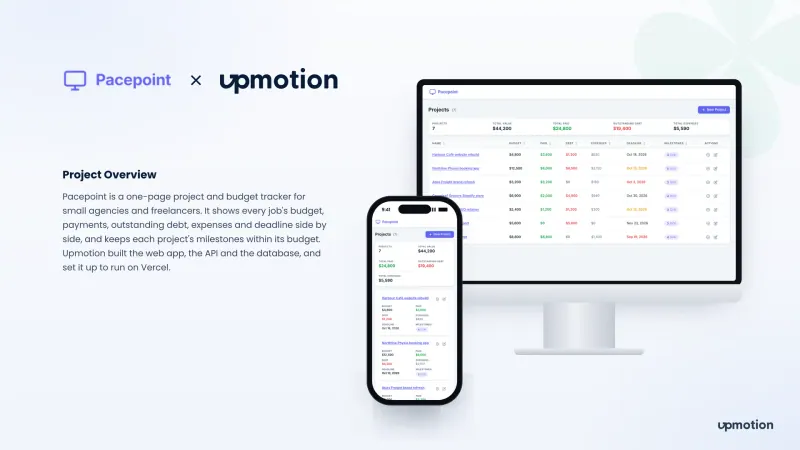
Project budget tracker
Pacepoint
A one-page project budget tracker for small agencies and freelancers, showing each job's budget, payments, debt, expenses and deadline side by side.
Platforms: Web App
Collaborative code editor
A real-time collaborative code editor where a small team joins one room to edit shared files, see live cursors, chat, run code and ask an AI copilot.
Syncroom on desktop and mobile
01 Overview
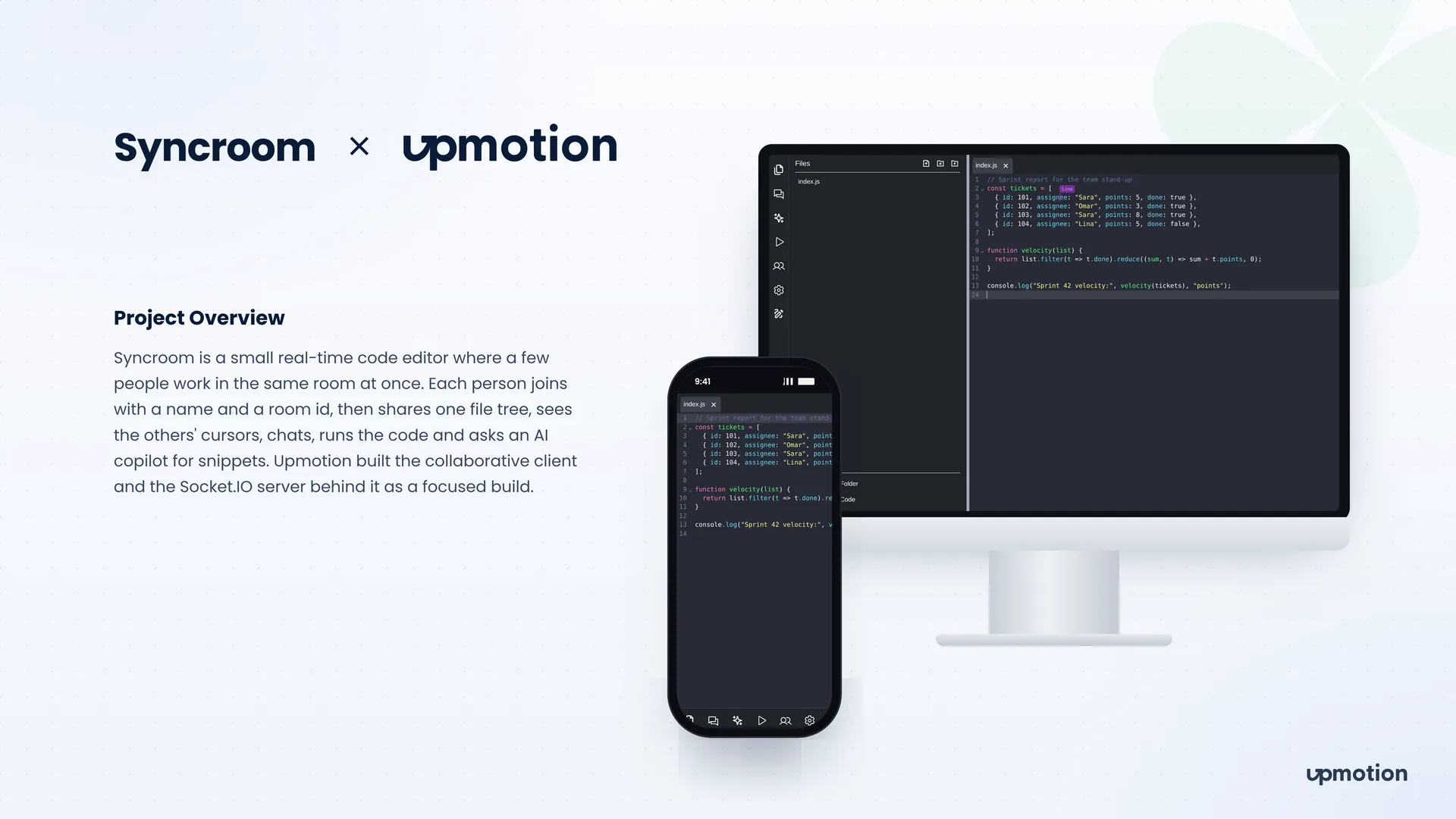
Syncroom is a real-time collaborative code editor built for a few people working in the same room at once. Each person joins with a name and a room id, then gets the same file tree, the same open files and a view of where everyone else is typing.
Developers who want to write code together usually fall back on a screen share or a pasted link. That works for a quick question but gets awkward for anything longer. Syncroom puts editing, chat, a whiteboard, code execution and an AI copilot in one browser tab, so a short session never needs a second tool. We built the collaborative client and the Socket.IO server behind it as a focused build.
02 The challenge
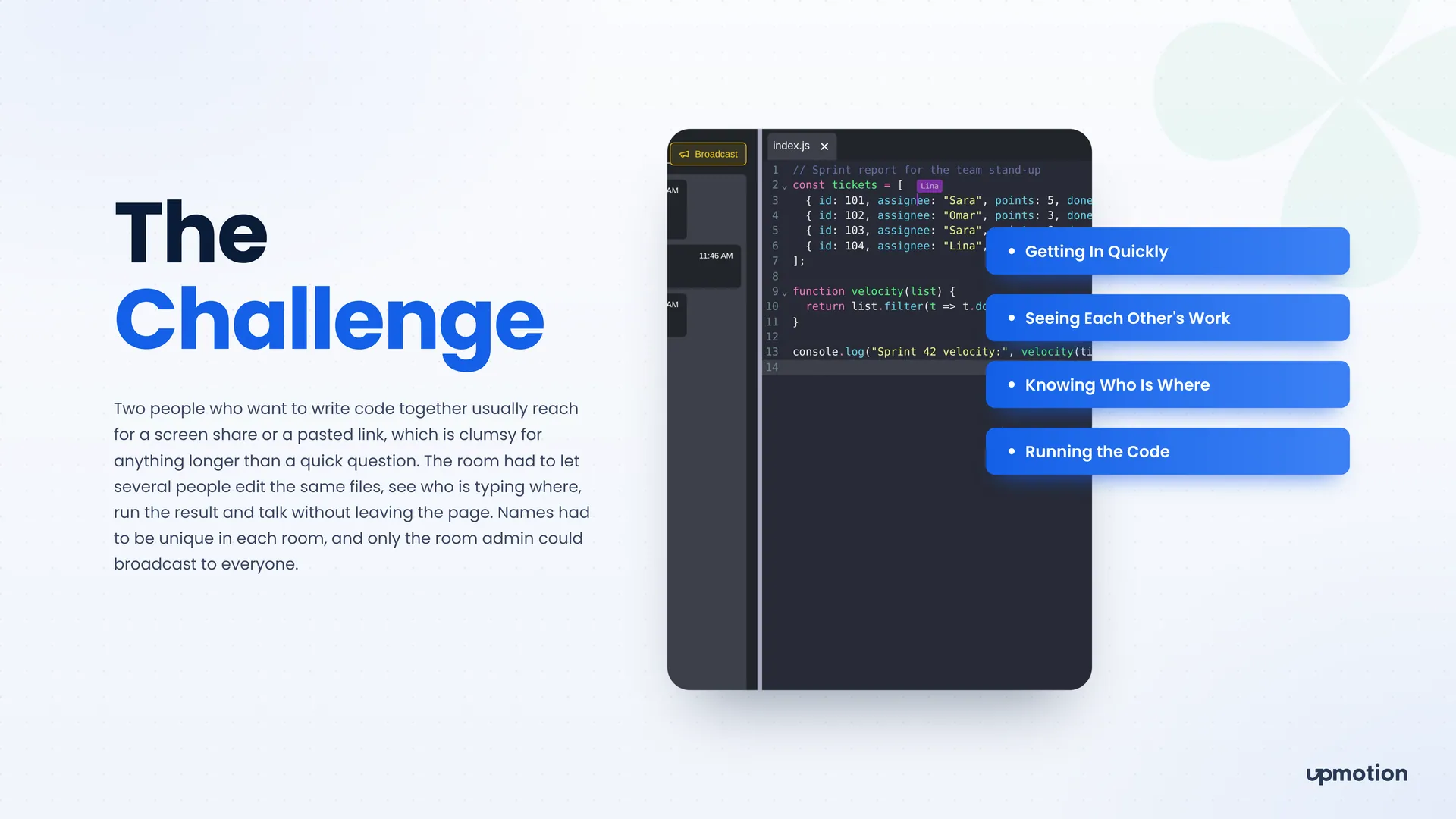
The room had to feel like sitting at one keyboard together, without accounts, installs or a screen share.
People needed to get into a room quickly with just a name and a room id, with no sign-up step.
Several people had to edit the same files at once and see each other's changes, renames and deletes as they happened.
Everyone needed to know who was in the room and where each person was typing, so edits did not collide.
The team had to run the code and talk about the result without leaving the page.
Names had to be unique in each room, and only the room admin could broadcast a message to everyone.
03 What we built
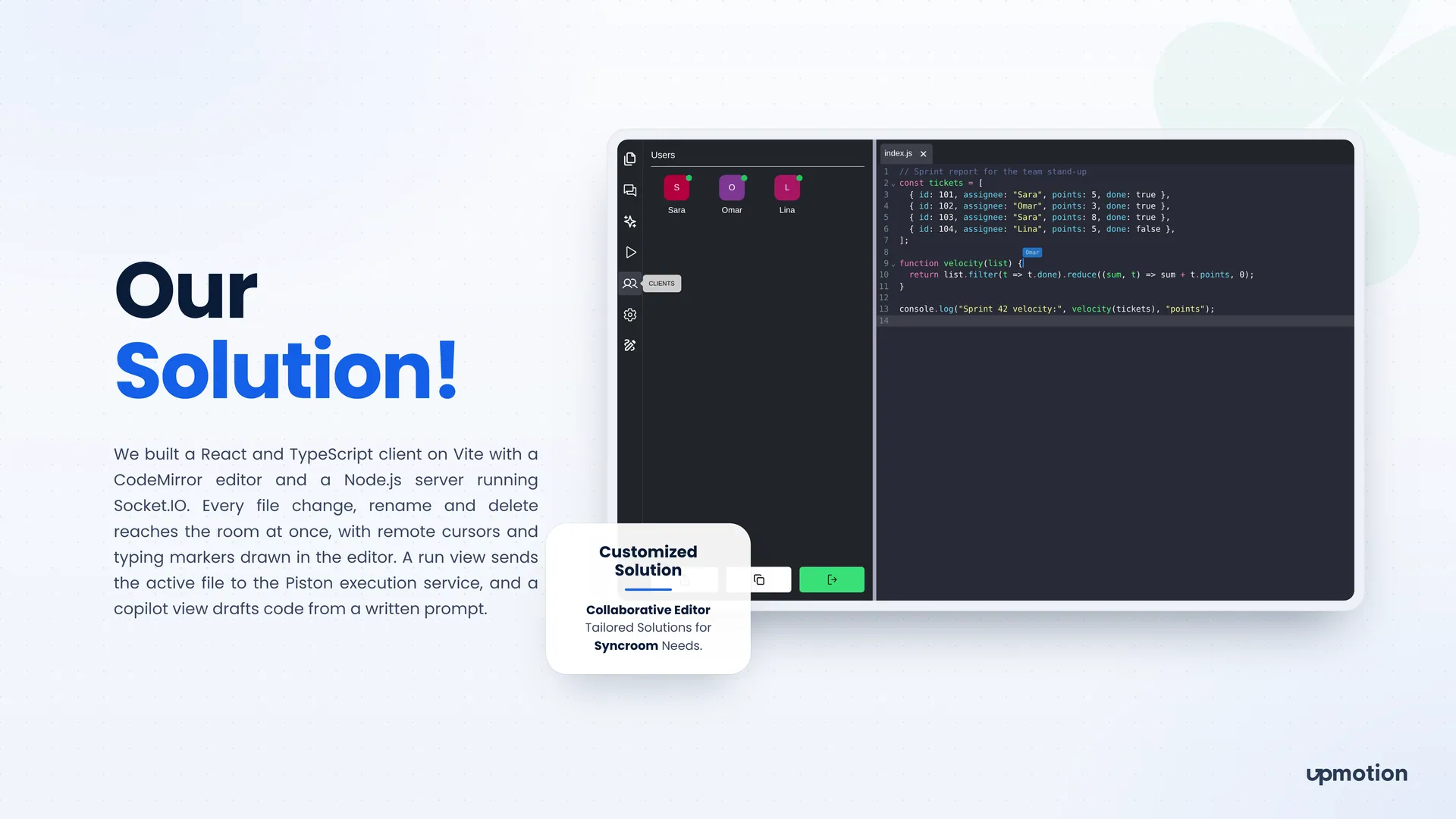
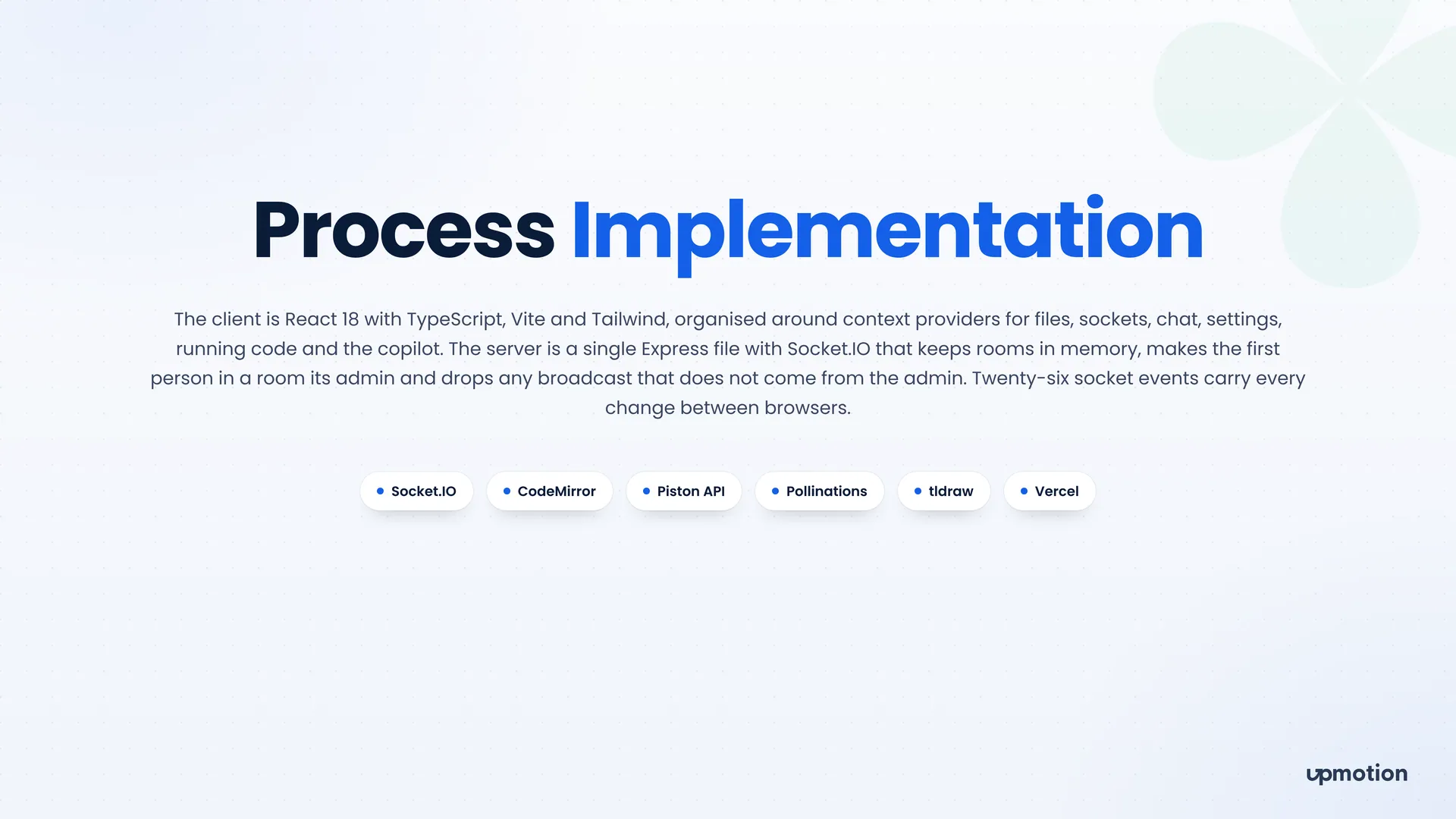
We built a React and TypeScript client on Vite with a CodeMirror editor, backed by a Node.js and Express server running Socket.IO that keeps rooms in memory.
Every file change, rename and delete reaches the whole room at once. Nobody has to refresh or re-share a link to see the latest code.
Each person's cursor and typing marker is drawn in the editor with their name. You can see who is working on which line before you start editing it.
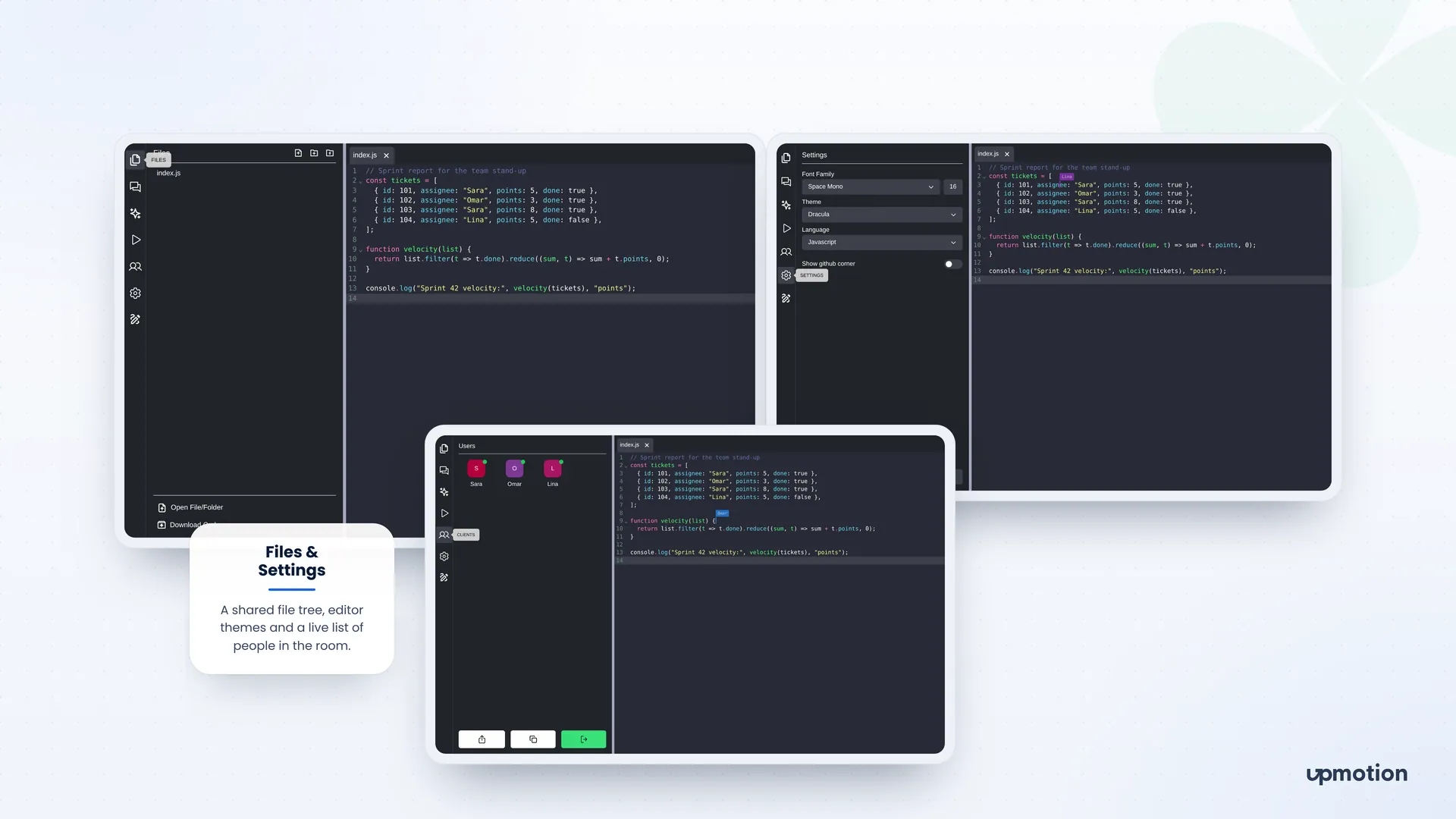
The room shares one file tree with options to open a file or folder and download the code. Everyone works from the same set of files.
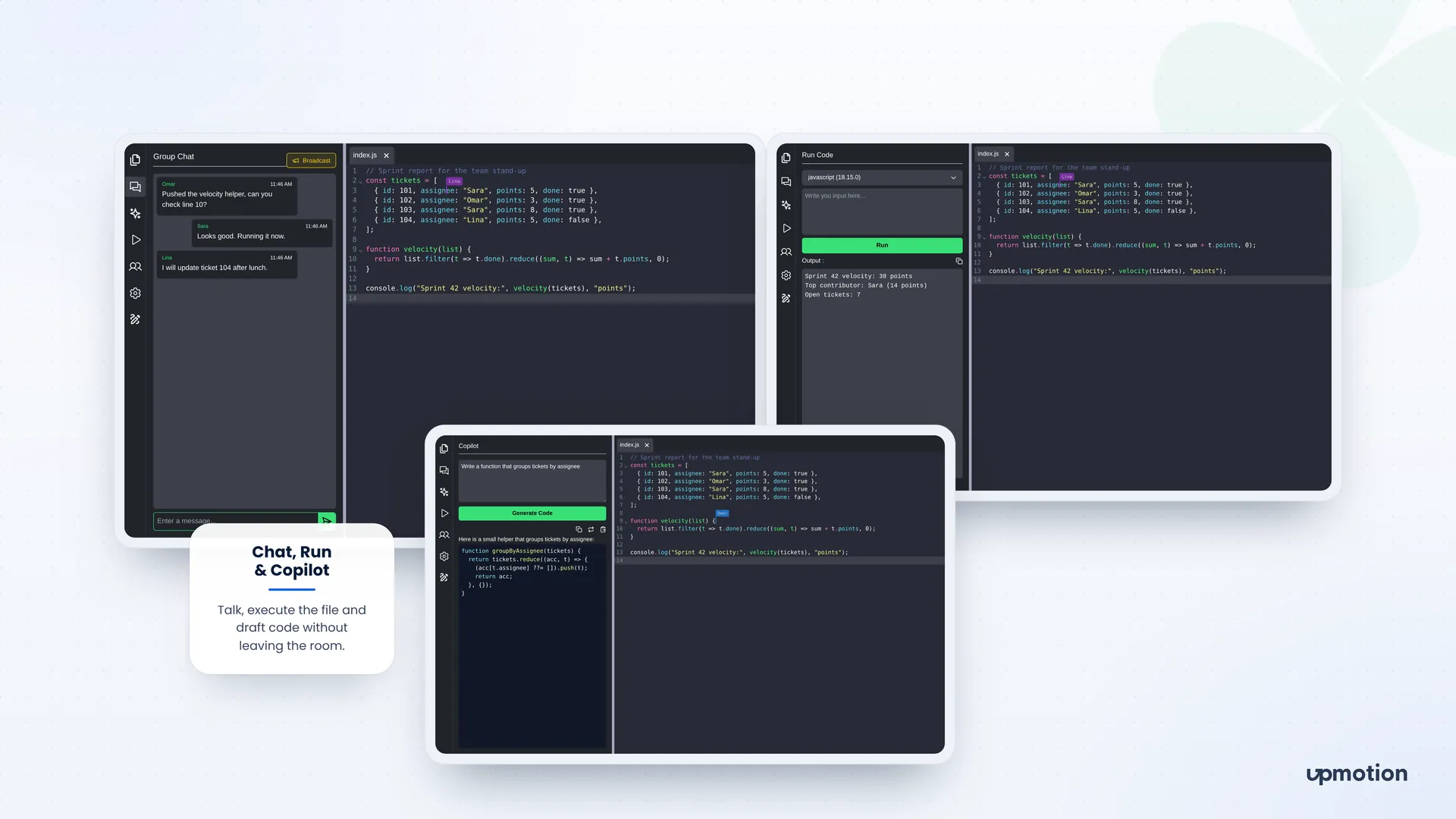
A chat panel lets the room talk next to the code. The first person in a room becomes its admin, and the server drops any broadcast that does not come from that admin.
The run view sends the active file to the Piston execution service with an optional input and shows the output in the sidebar. The team can test a change together without switching tools.
Users write a prompt such as 'Write a function that groups tickets by assignee' and the copilot drafts the code. The result can be copied straight into the open file.
A tldraw whiteboard gives the room a place to sketch ideas, and a Users panel shows who is currently connected.
Each person can pick a font family and size, an editor theme such as Dracula and the language mode. The editor looks the way each developer prefers.
04 The results
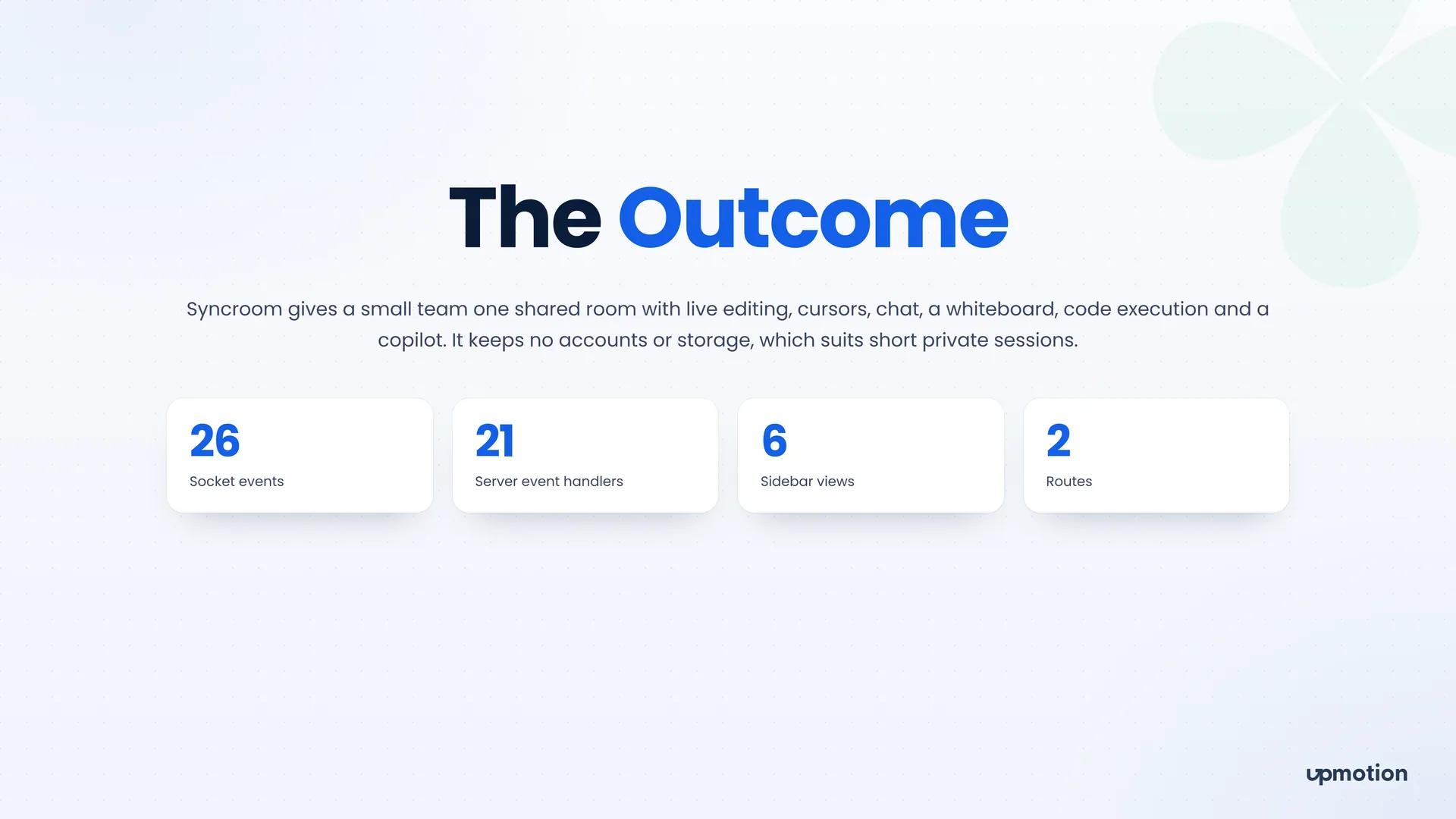
Syncroom gives a small team one shared room with live editing, cursors, chat, a whiteboard, code execution and a copilot. It keeps no accounts or storage, which suits short private sessions.
Project budget tracker
A one-page project budget tracker for small agencies and freelancers, showing each job's budget, payments, debt, expenses and deadline side by side.
Platforms: Web App
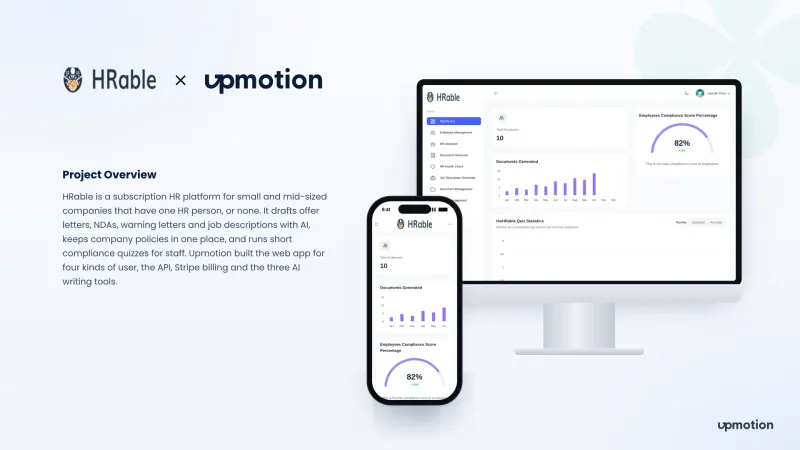
AI HR SaaS platform
An AI HR platform for small and mid-sized companies with one HR person or none. It drafts HR documents, keeps policies in one place and runs compliance quizzes for staff.
Platforms: Web App, Admin Dashboard
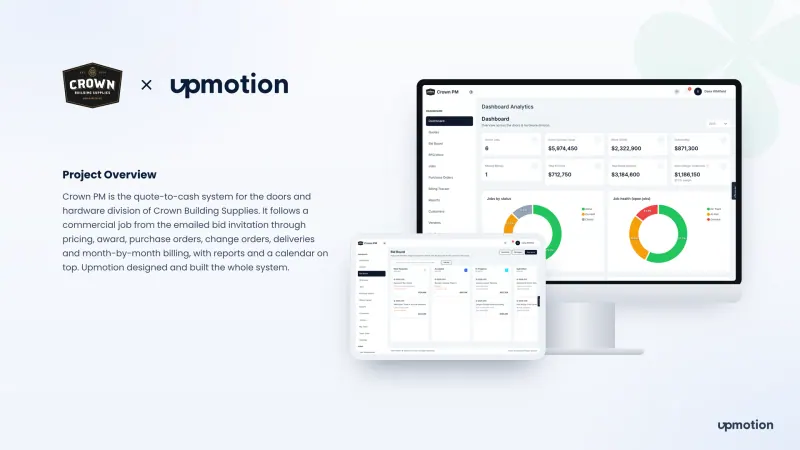
Construction quote-to-cash system
A quote-to-cash system for the doors and hardware division of Crown Building Supplies. It runs every commercial job from bid invitation to purchase orders, billing and reports.
Platforms: Web App