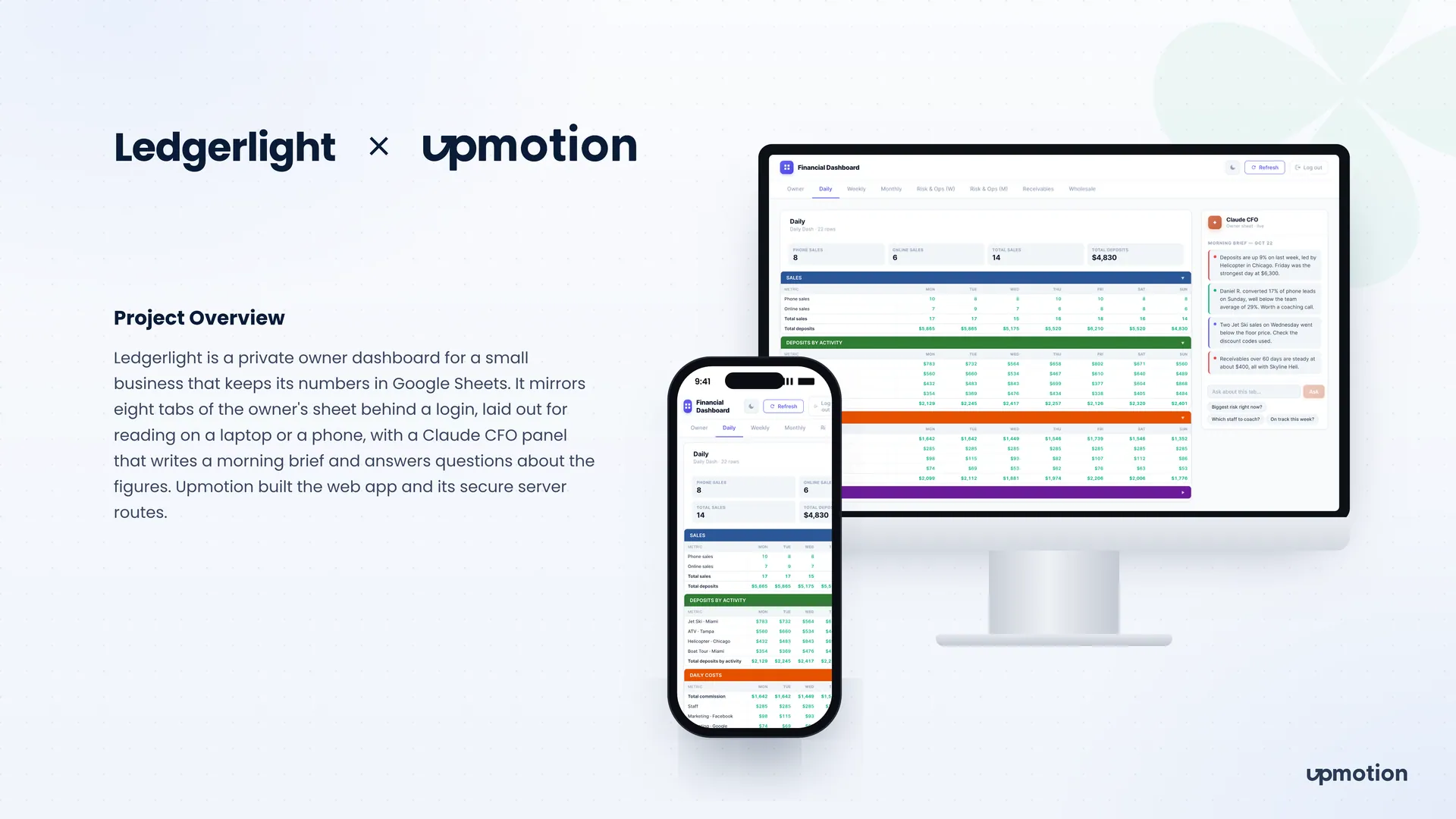
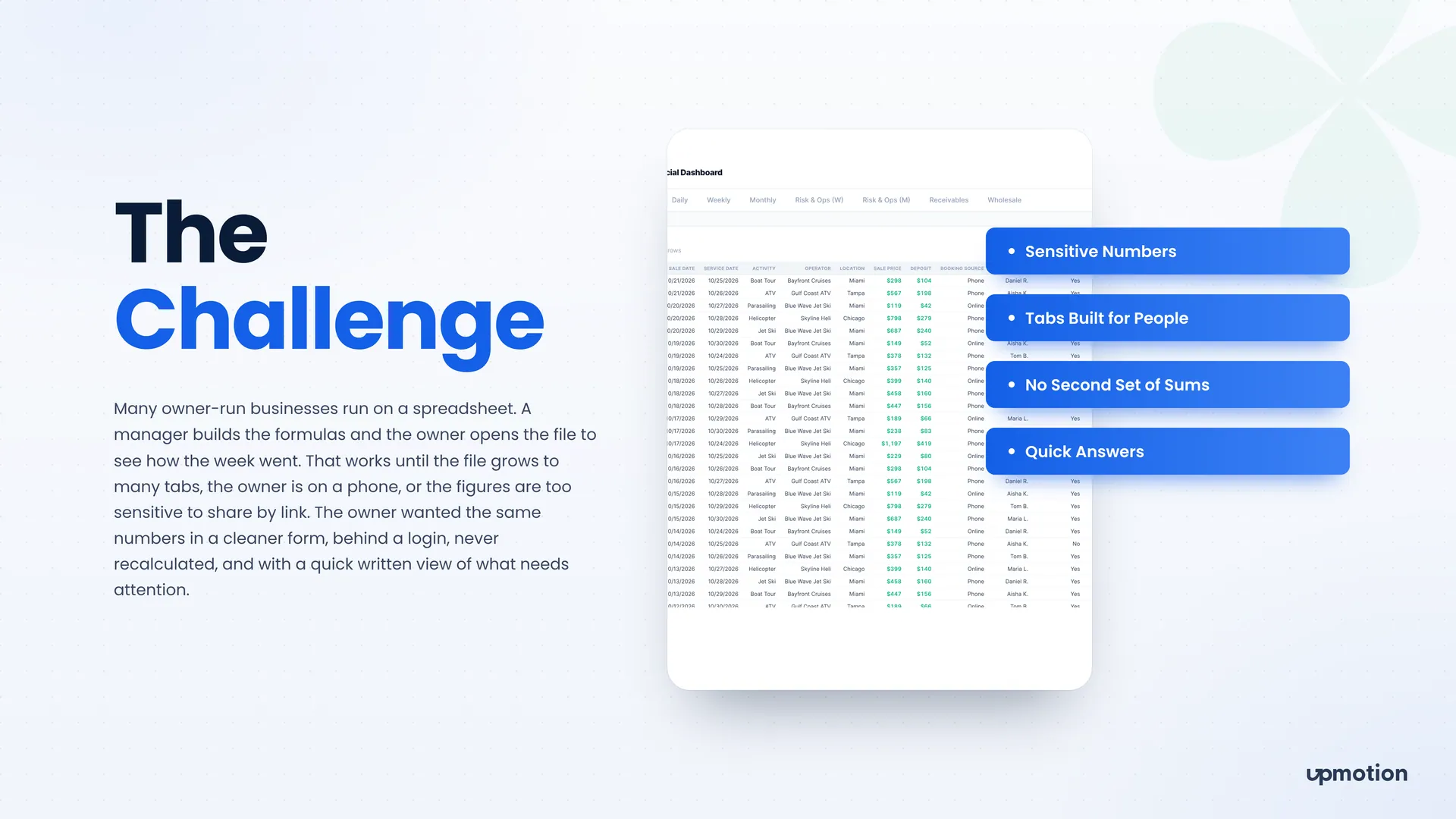
We built a Next.js app that reads the owner's sheet on the server, lays each tab out for reading, and asks Claude about the tab on screen.
- 01
One password, guarded routes
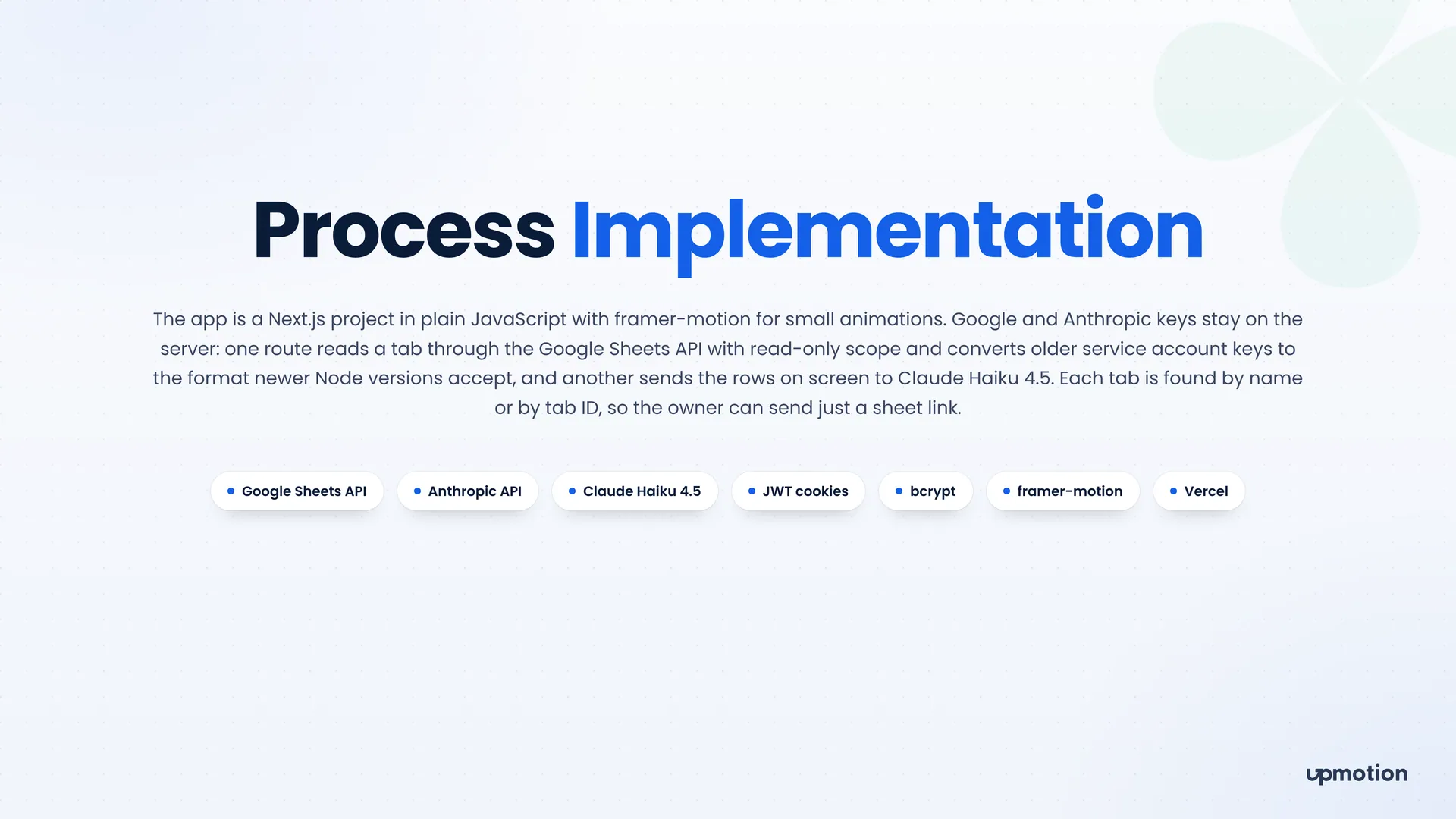
One password opens the dashboard, and a 12-hour token in an httpOnly cookie guards every page and data route. Google and Anthropic keys stay on the server.
- 02
Read-only Google Sheets connection
A server route reads each tab through the Google Sheets API with read-only scope, so the dashboard never changes the sheet. Each tab is found by name or by tab ID, so the owner can send just a sheet link.
- 03
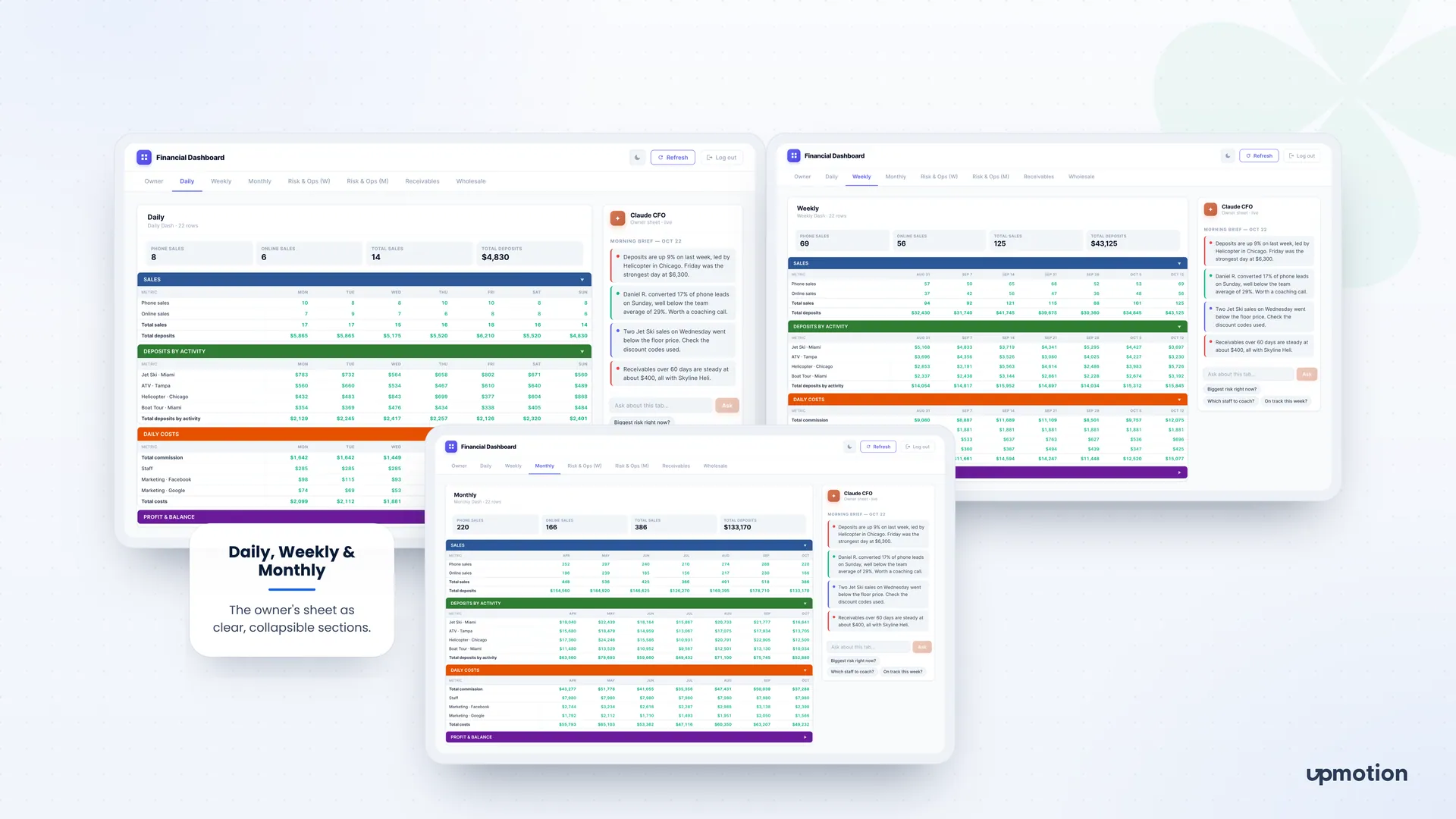
Eight tabs laid out for reading
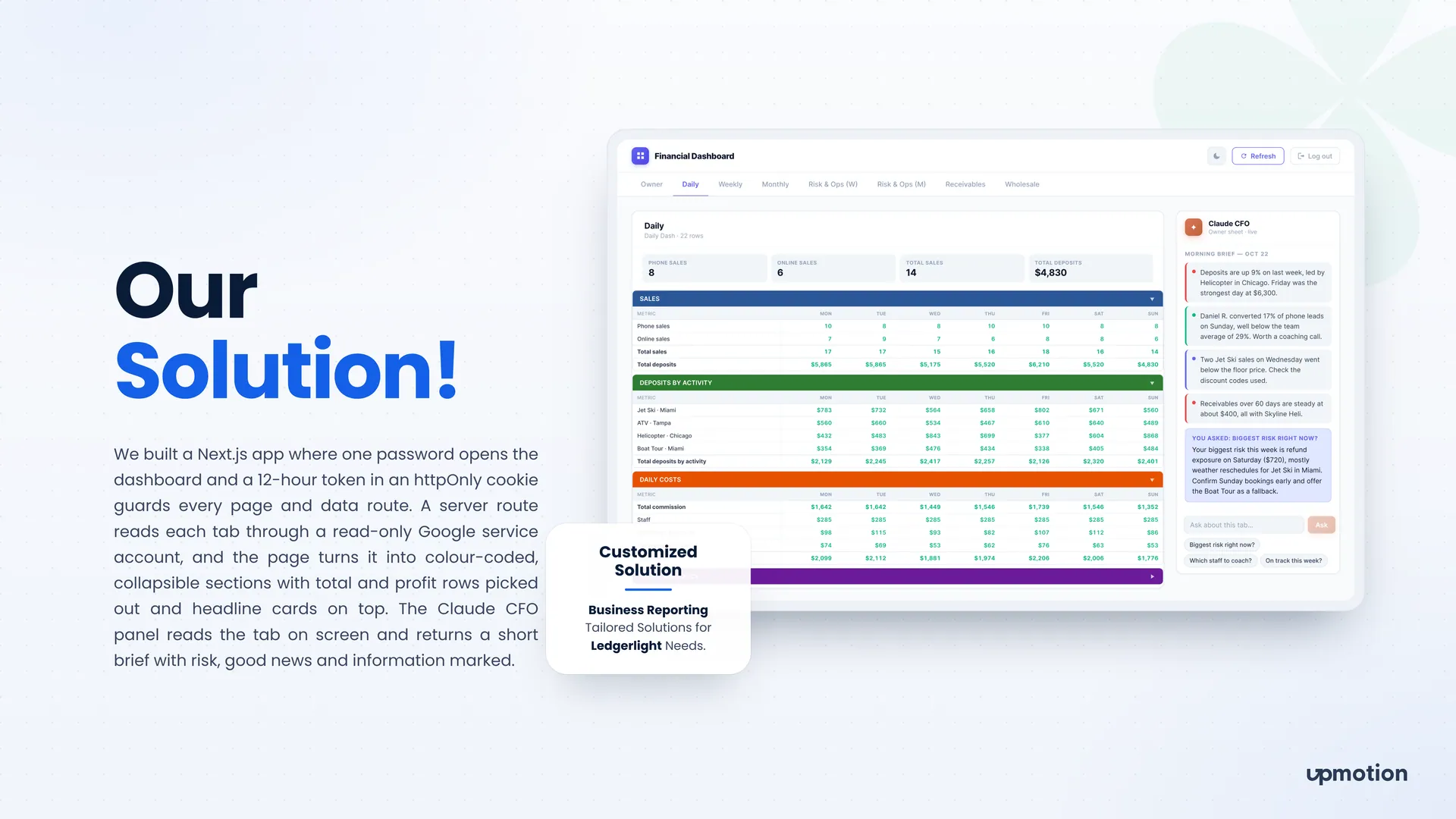
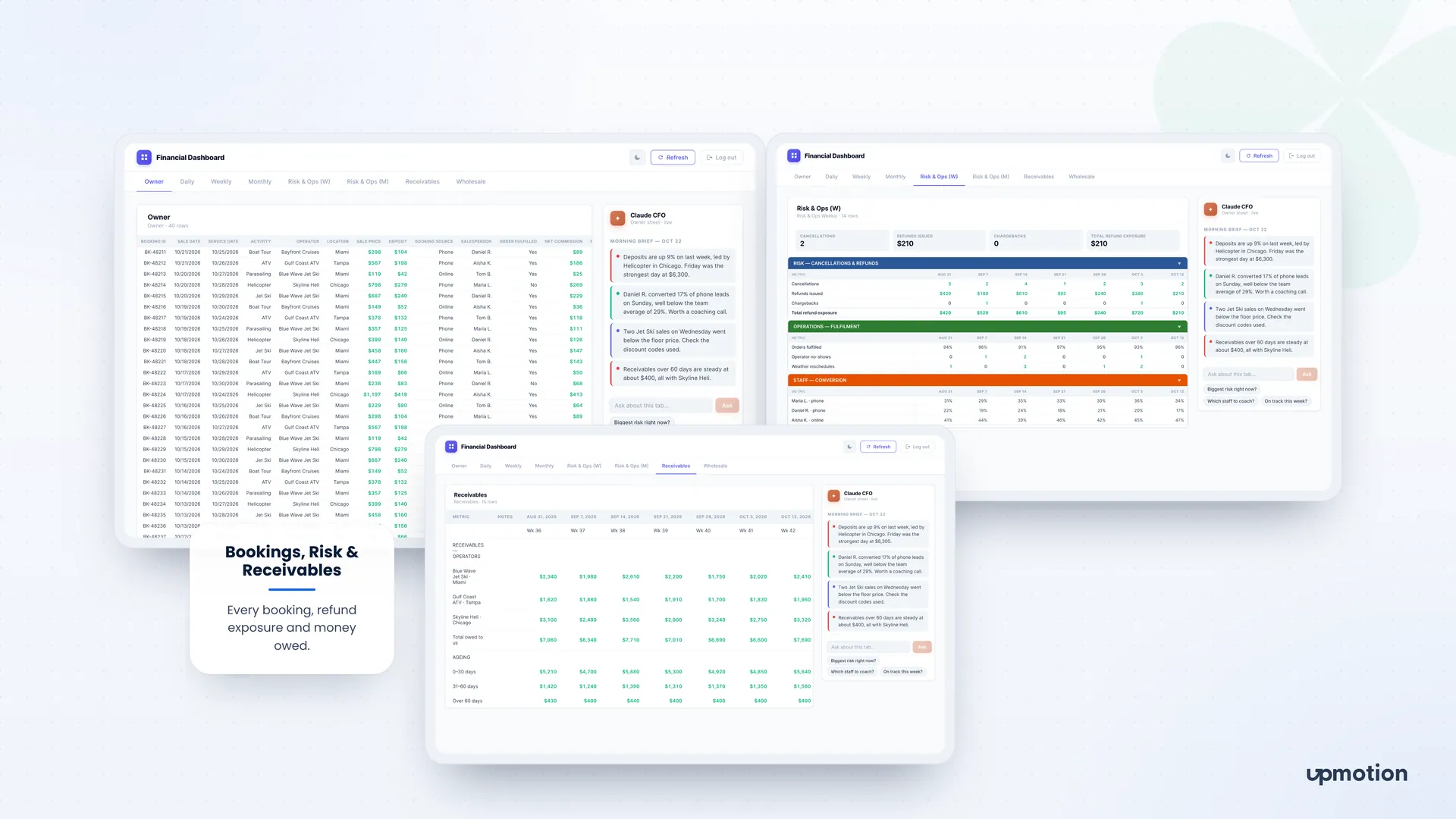
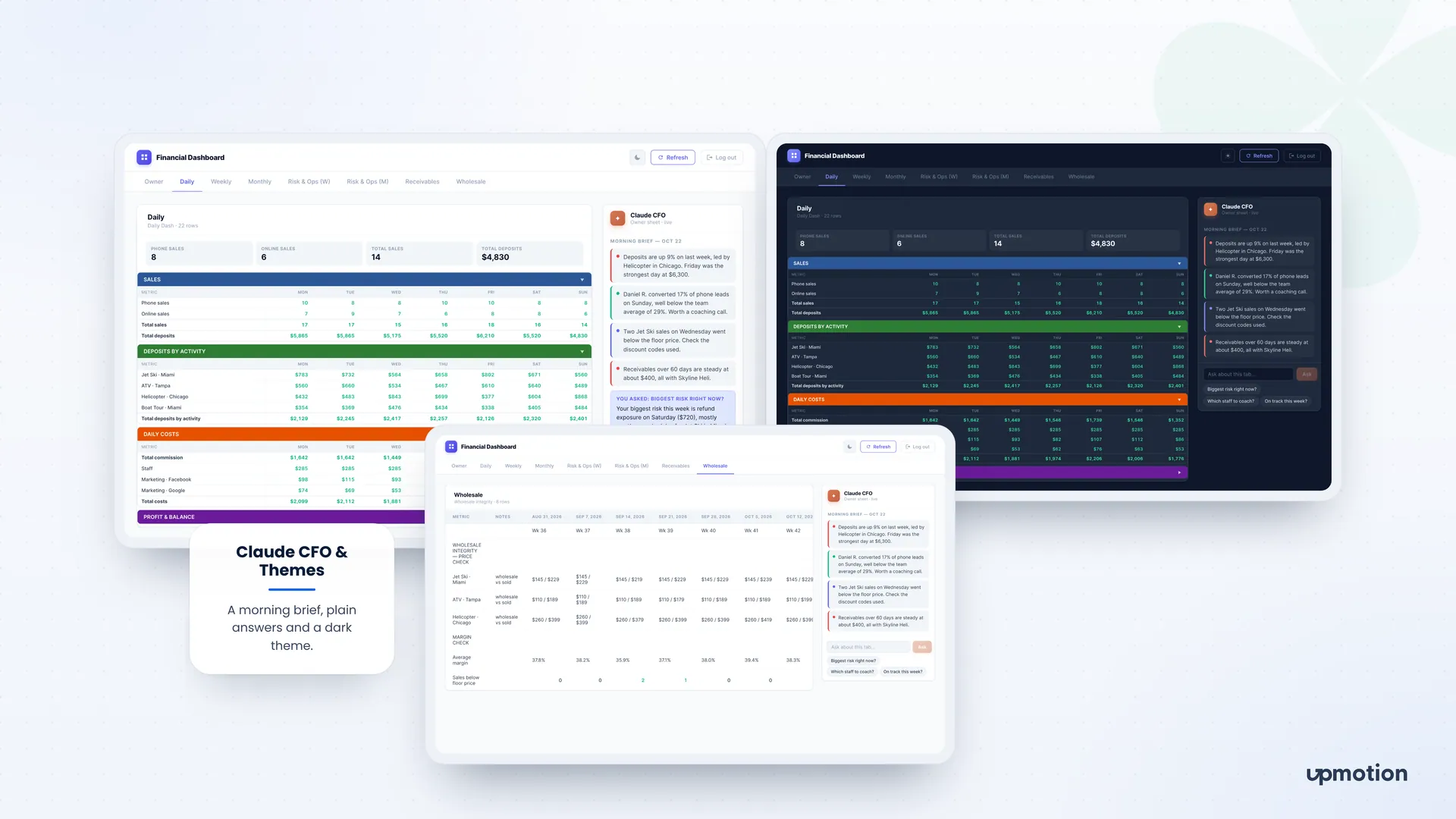
Owner, Daily, Weekly, Monthly, weekly and monthly Risk & Ops, Receivables and Wholesale each get their own view. Rows become color-coded, collapsible sections with total and profit rows picked out.
- 04
Headline cards
Each tab opens with headline cards such as phone sales, online sales, total sales and total deposits, so the key figures show before any scrolling.
- 05
Risk, receivables and wholesale checks
Risk views track cancellations, refunds, chargebacks and total refund exposure, plus orders fulfilled, operator no-shows and weather reschedules. Receivables show money owed by age, and the wholesale tab counts sales below the floor price.
- 06
Claude CFO morning brief
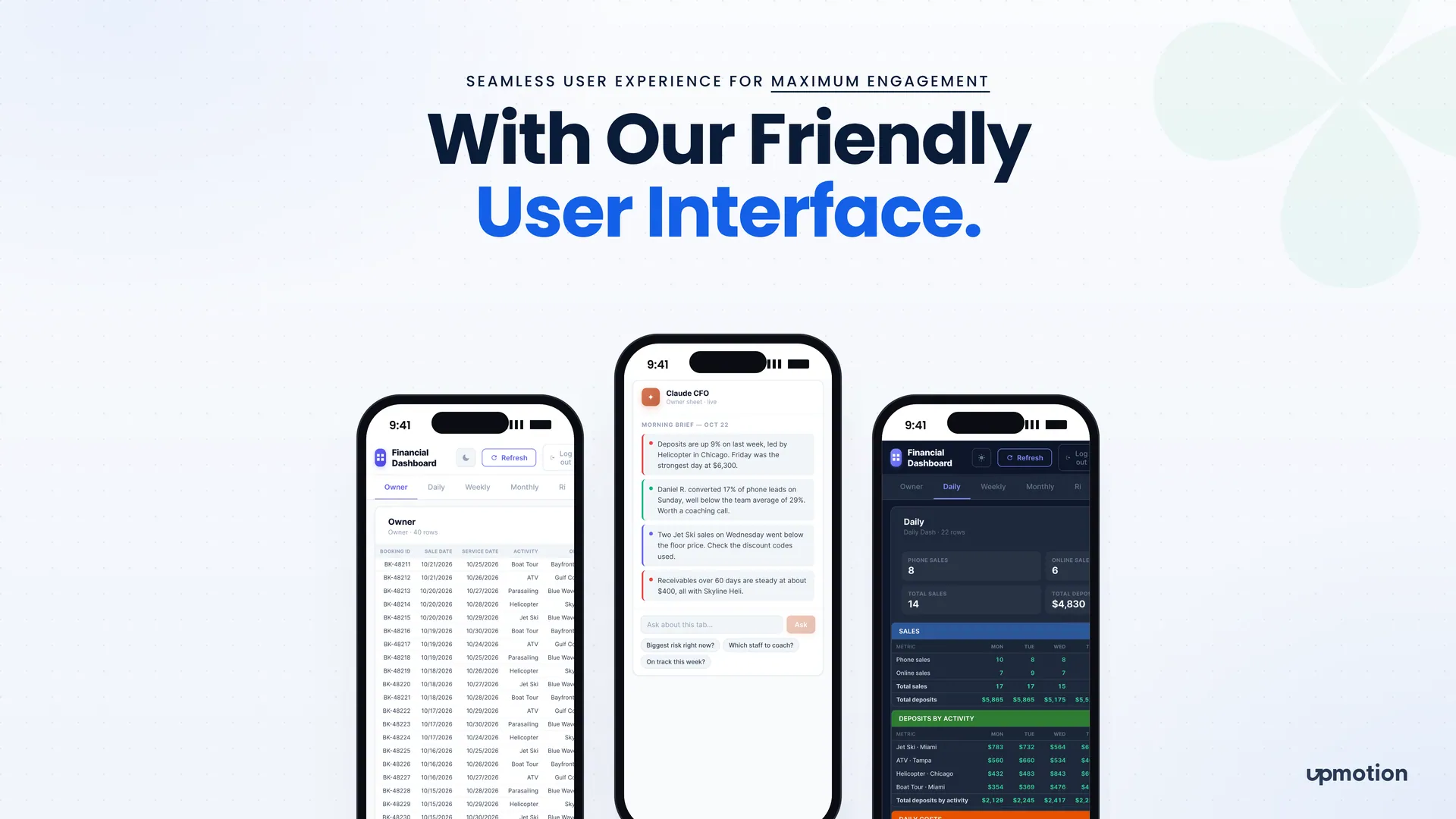
The Claude CFO panel reads the tab on screen and returns a short brief with risk, good news and information marked. A server route sends the rows to Claude Haiku 4.5.
- 07
Questions about the tab
The owner can type a question or tap a suggestion such as biggest risk right now, which staff to coach or on track this week. The answer comes back in a few plain lines.
- 08
Laptop, phone and dark theme
The layout works on a laptop or a phone, with a light and a dark theme and a refresh button for the latest figures from the sheet.