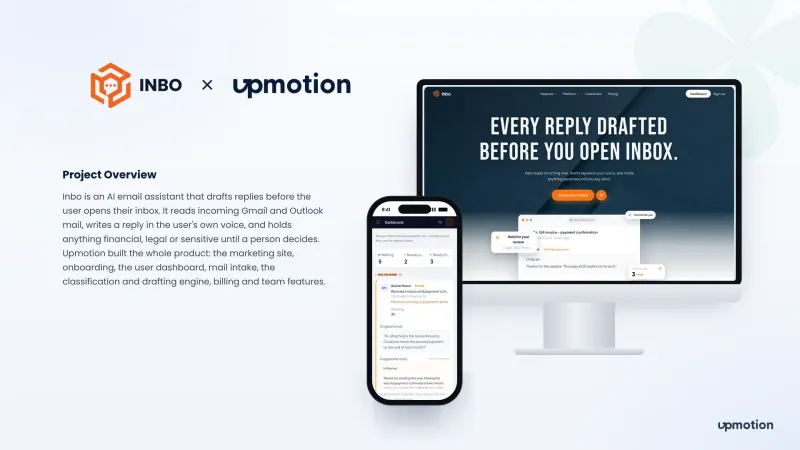
AI email assistant
Inbo
An AI email assistant for Gmail and Outlook that drafts replies in the user's own voice before they open their inbox, and holds sensitive mail until a person decides.
Platforms: Web App, Website
Employee communications app
ONE CCL is an employee communications app for iOS and Android where CCL staff read news, register for events, thank colleagues and track approvals.
ONE CCL app and admin console
01 Overview
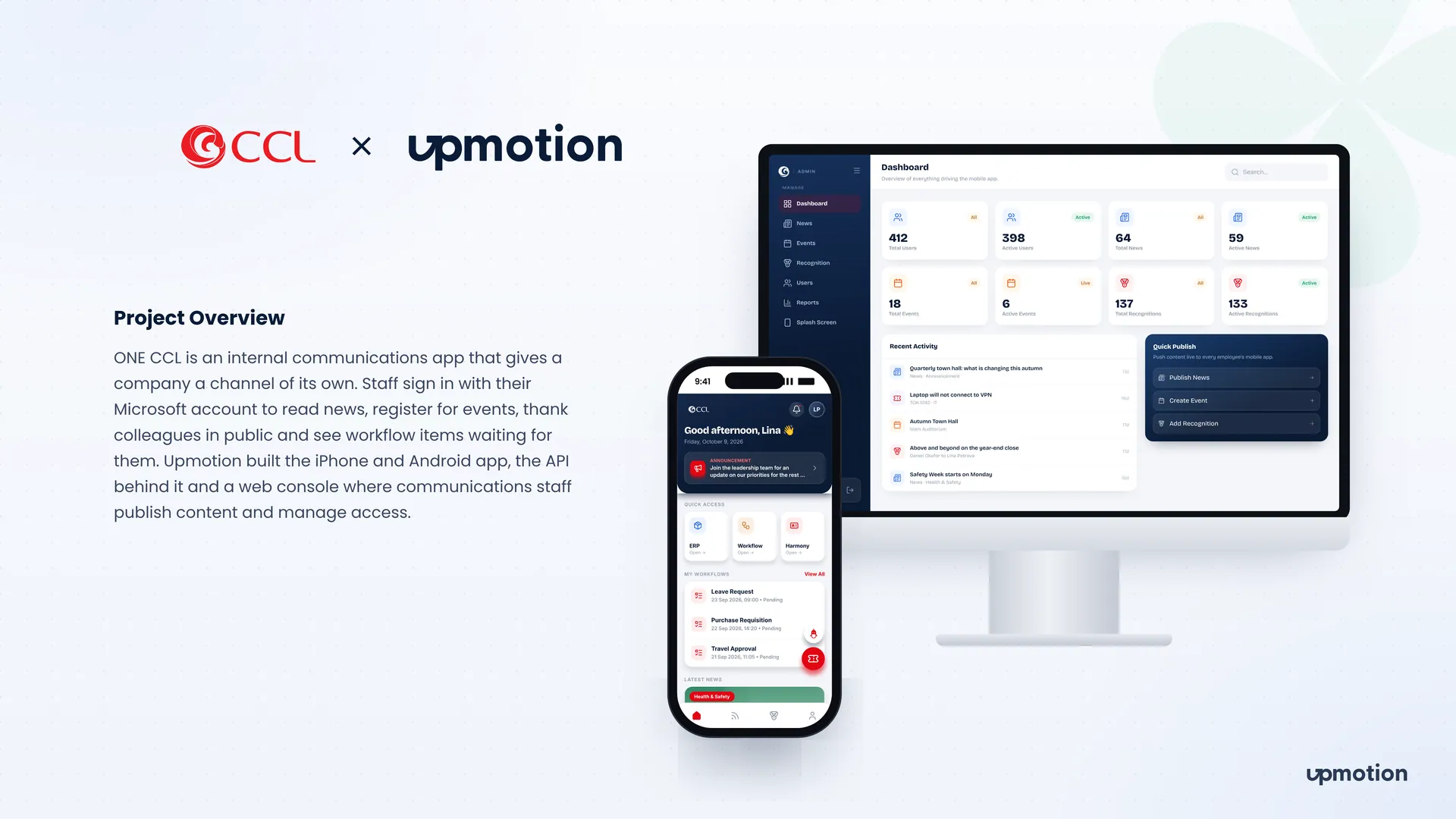
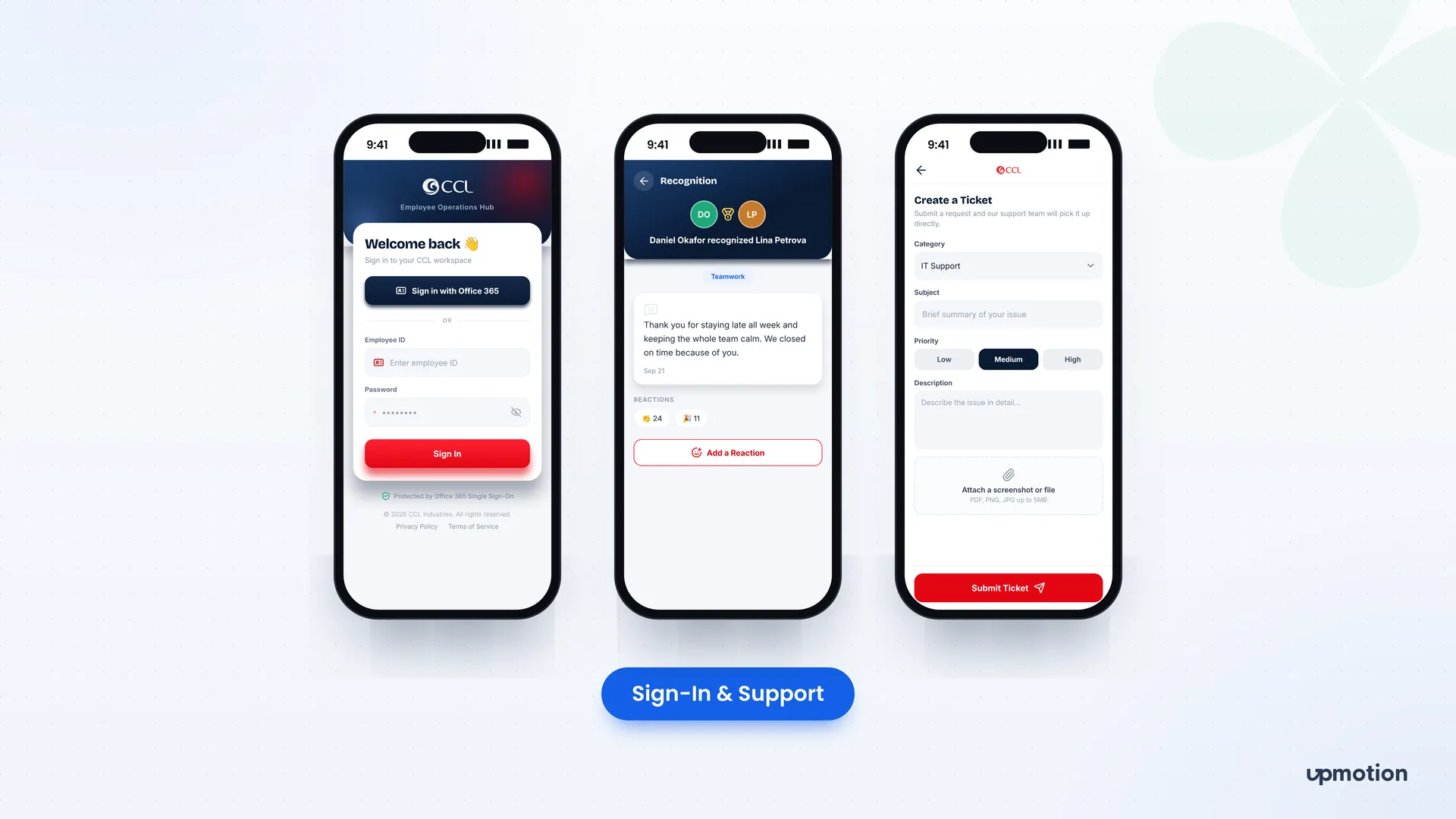
ONE CCL is an employee communications app that gives CCL a channel of its own. Staff sign in with their existing Microsoft account to read company news, register for events, thank colleagues in public and see workflow items waiting for them.
We built the iPhone and Android app, the API behind it and a web console where the communications team publishes content and manages access. The goal was one place for company news and everyday staff actions, without asking anyone to learn a new login or replace the approval system they already use.
02 The challenge
CCL needed a single channel for staff, but it had to fit around the accounts and systems people already used.
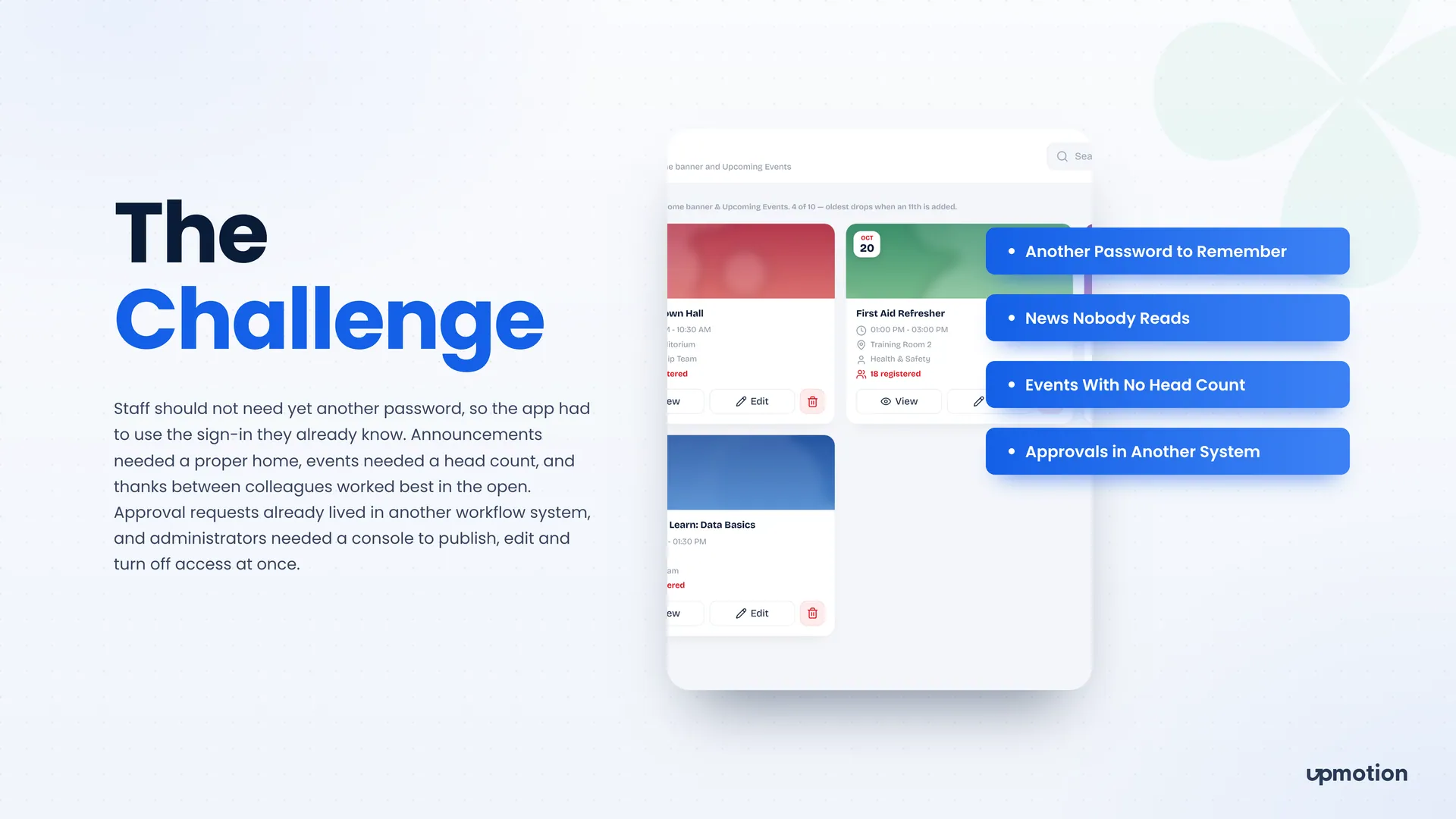
Staff should not need yet another password, so the app had to use the Microsoft sign-in they already know.
Announcements had no proper home, so important news was easy to miss.
Events had no reliable head count, and organizers could not see who planned to attend.
Approval requests already lived in another workflow system that had to stay in place.
Administrators needed one console to publish, edit and turn off a user's access at once.
03 What we built
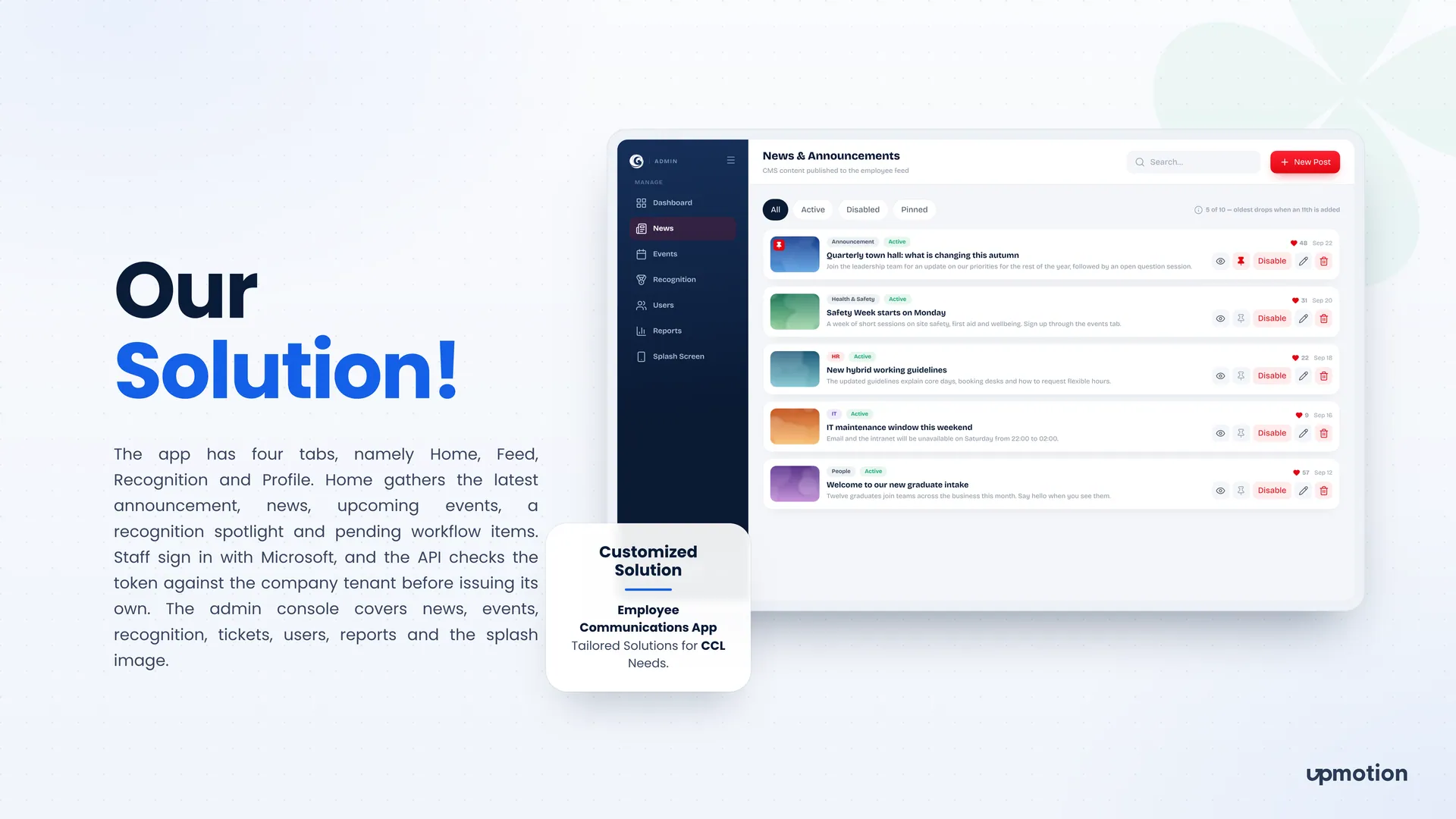
We built a React Native app with four tabs, a Node.js API and a Next.js admin console, all connected to the company's Microsoft tenant.
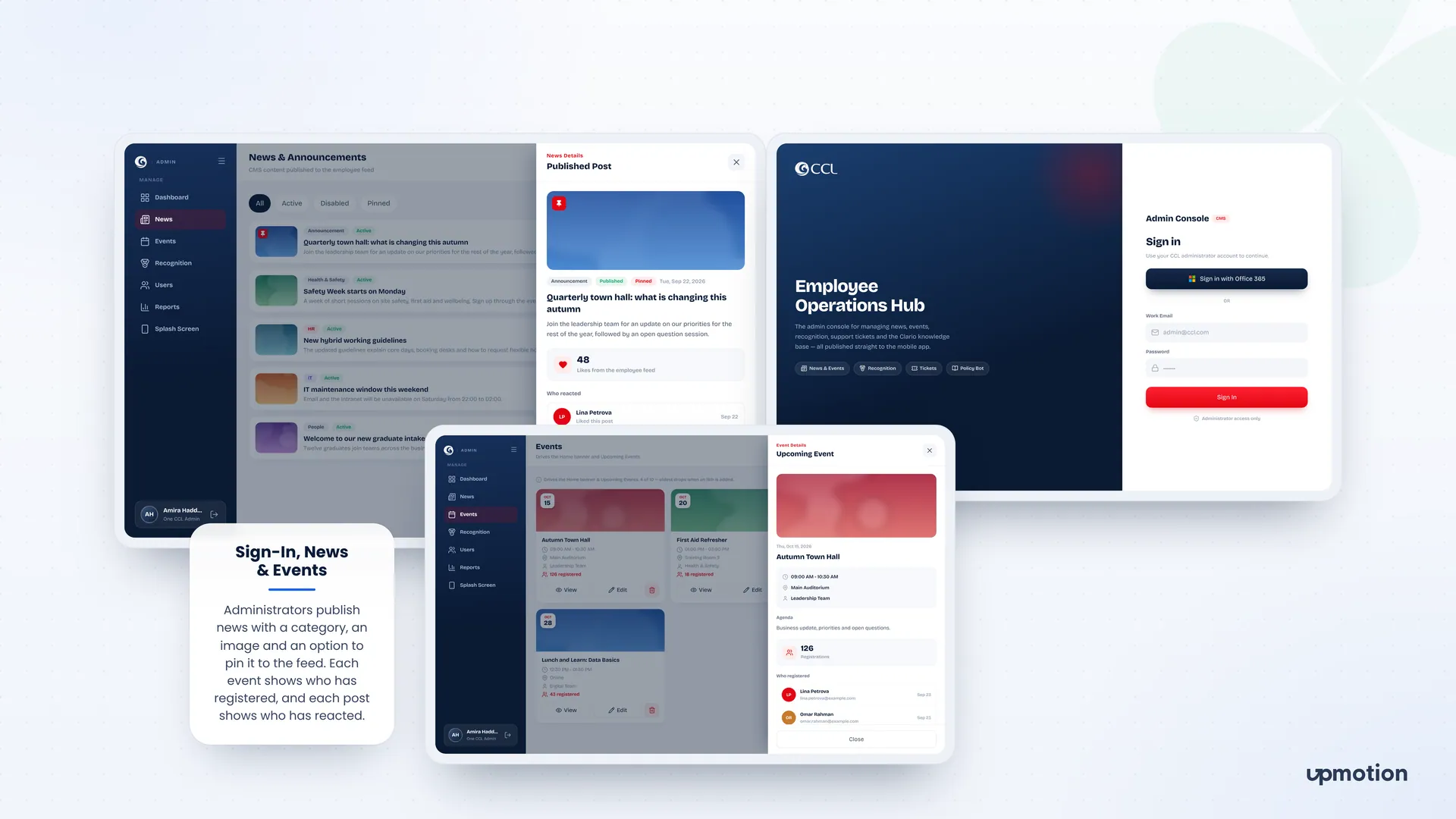
Staff sign in with Office 365. The API checks the token against the company tenant before issuing its own, so only CCL accounts get in and nobody needs a new password.
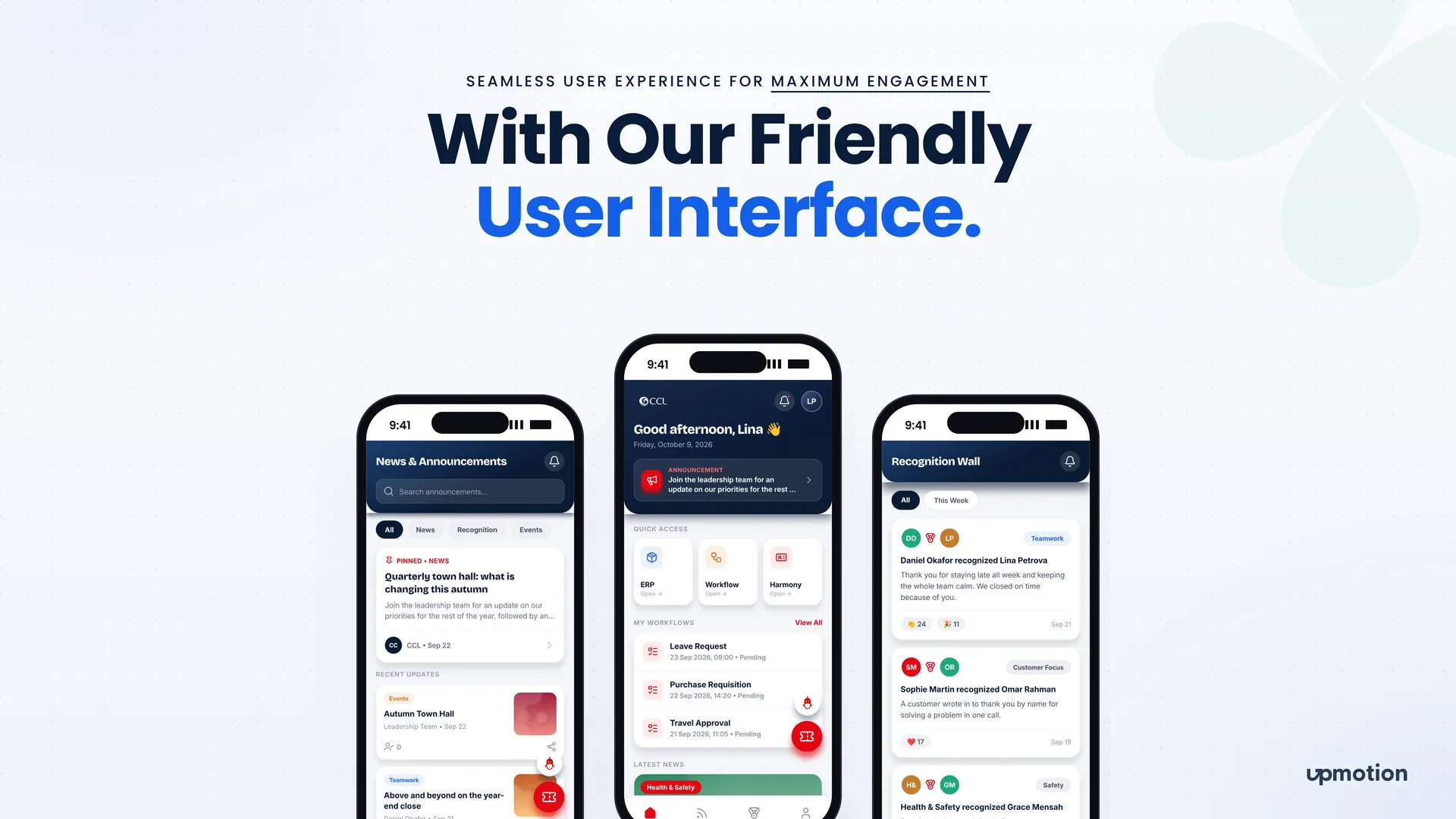
Home gathers the latest announcement, news, upcoming events, a recognition spotlight and pending workflow items. Staff see what matters to them as soon as they open the app.
Administrators publish posts with a category and an image, and can pin one to the top of the feed. Each post shows who has reacted, so the team can see what staff actually read.
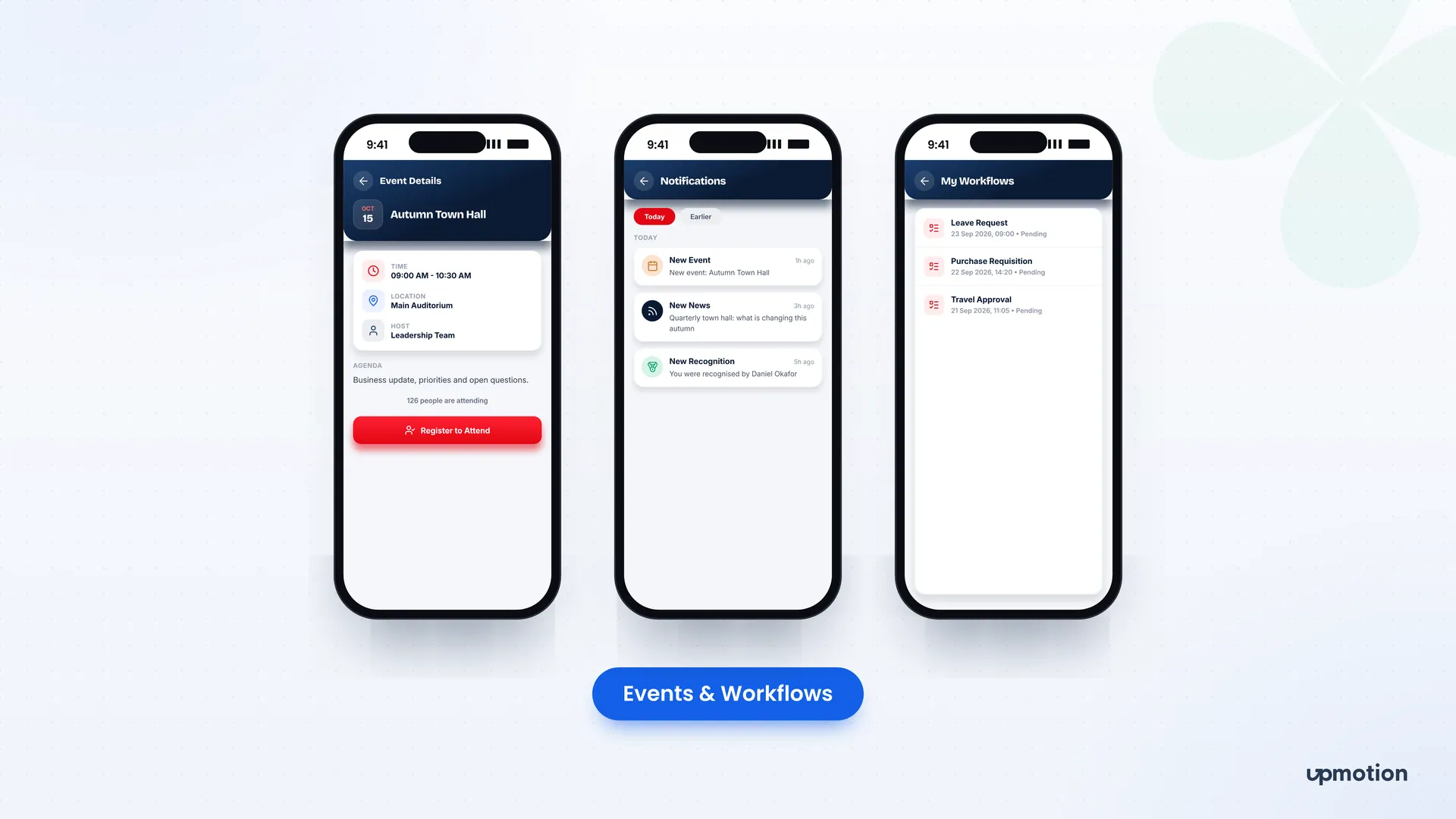
Staff open an event to see the time, location, host and agenda, then tap Register to Attend. Organizers see a live head count and the list of who registered.
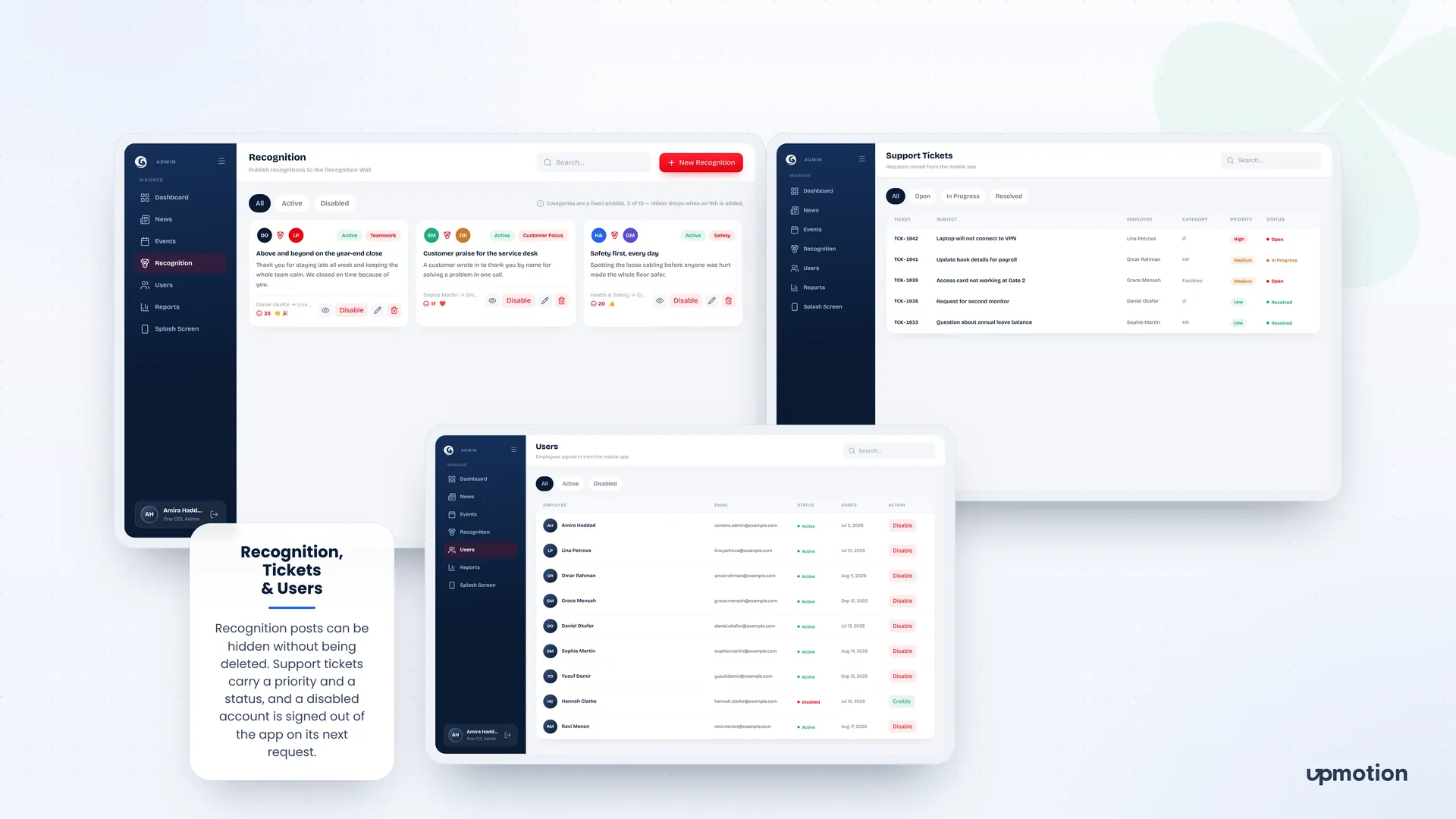
Colleagues thank each other in public under categories like Teamwork, Customer Focus and Safety, and others add reactions. Admins can hide a post without deleting it.
The app reads pending items such as leave requests, purchase requisitions and travel approvals from the existing workflow service. Staff see what is waiting without the old system being replaced.
Staff raise a ticket with a category, priority, description and an optional screenshot or file. Admins track each ticket from open to in progress to resolved.
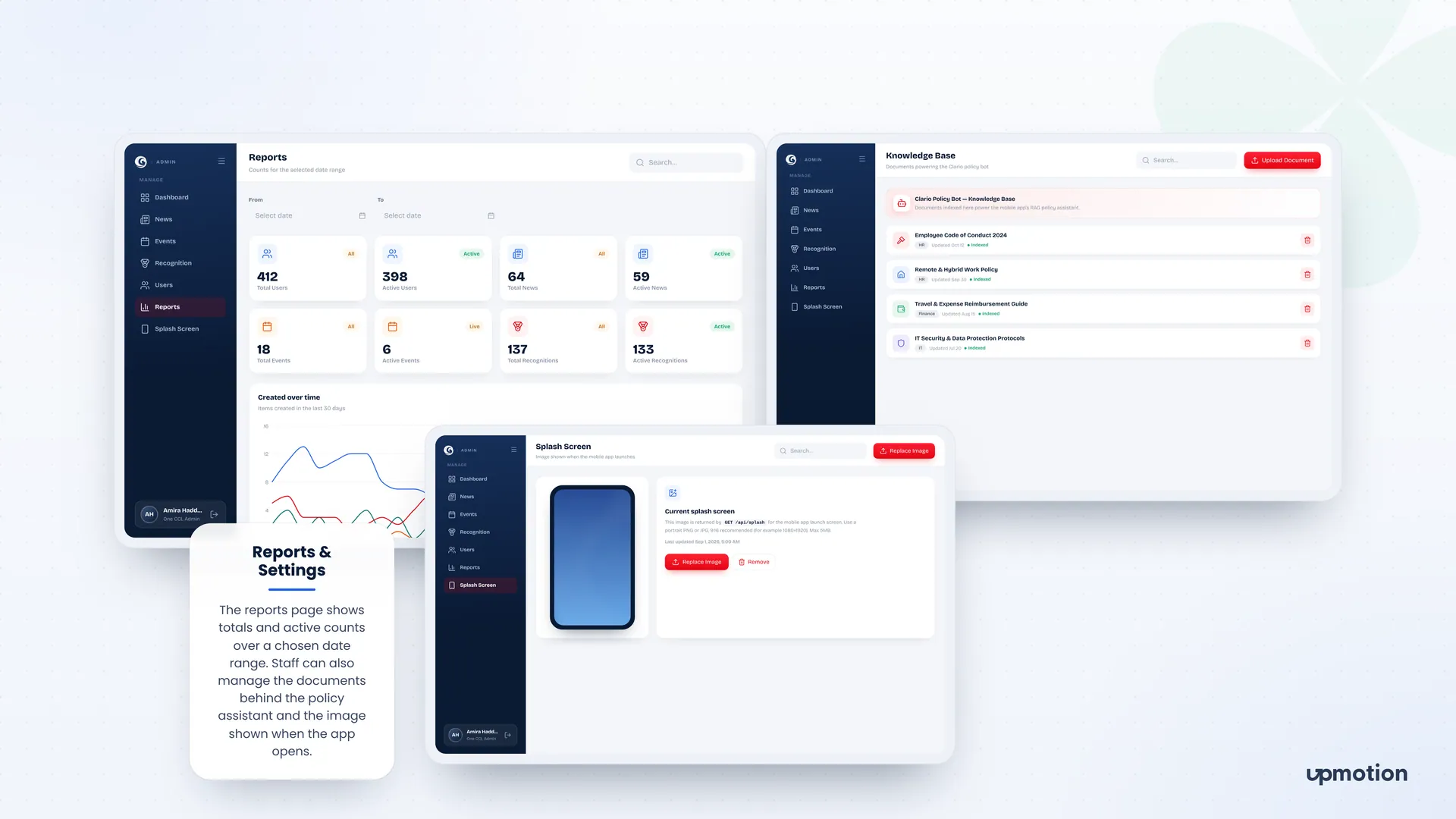
The console covers news, events, recognition, tickets, users, date range reports and the splash image. Admins also upload the policy documents that power the app's Clario policy assistant.
04 The results
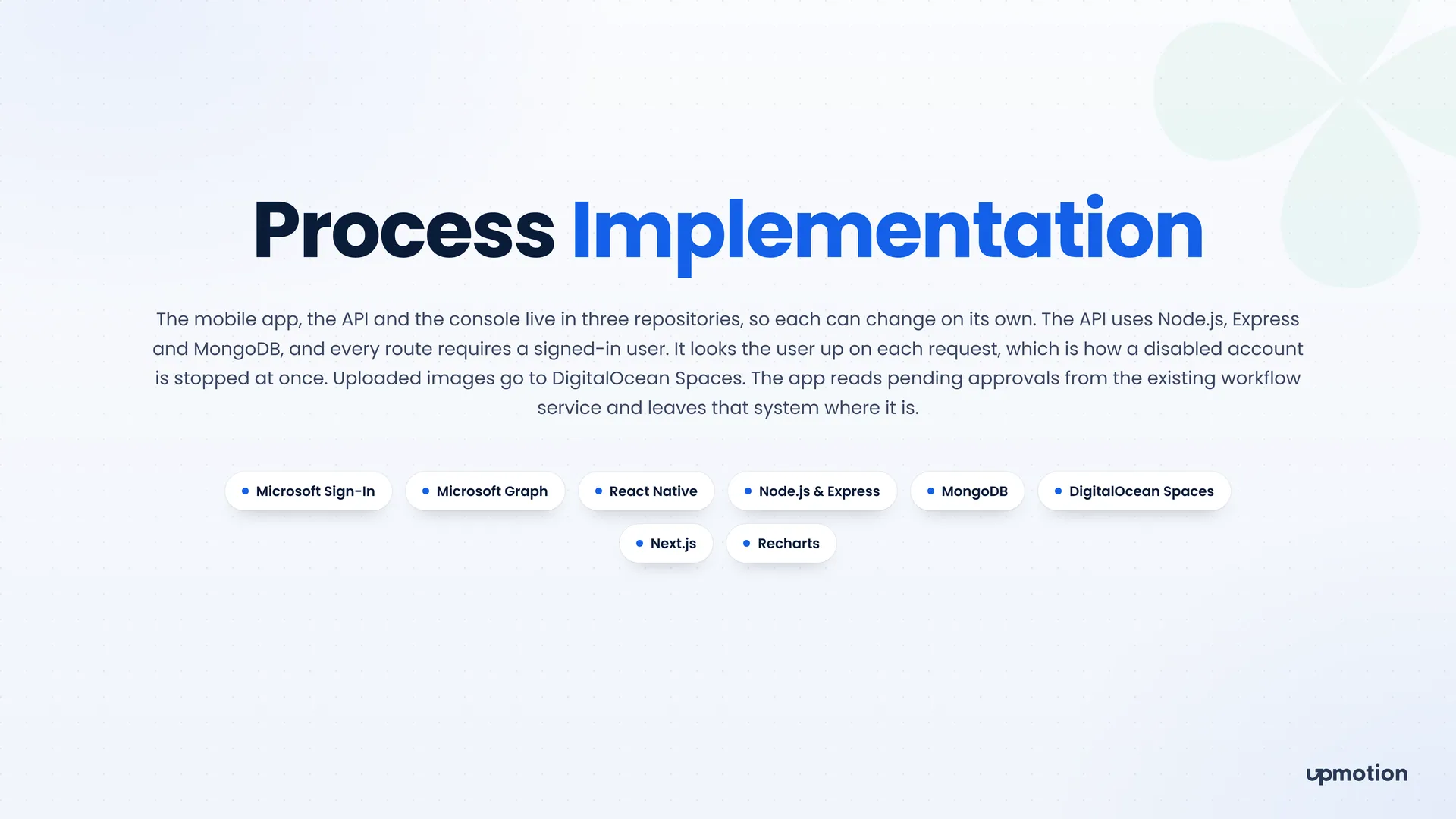
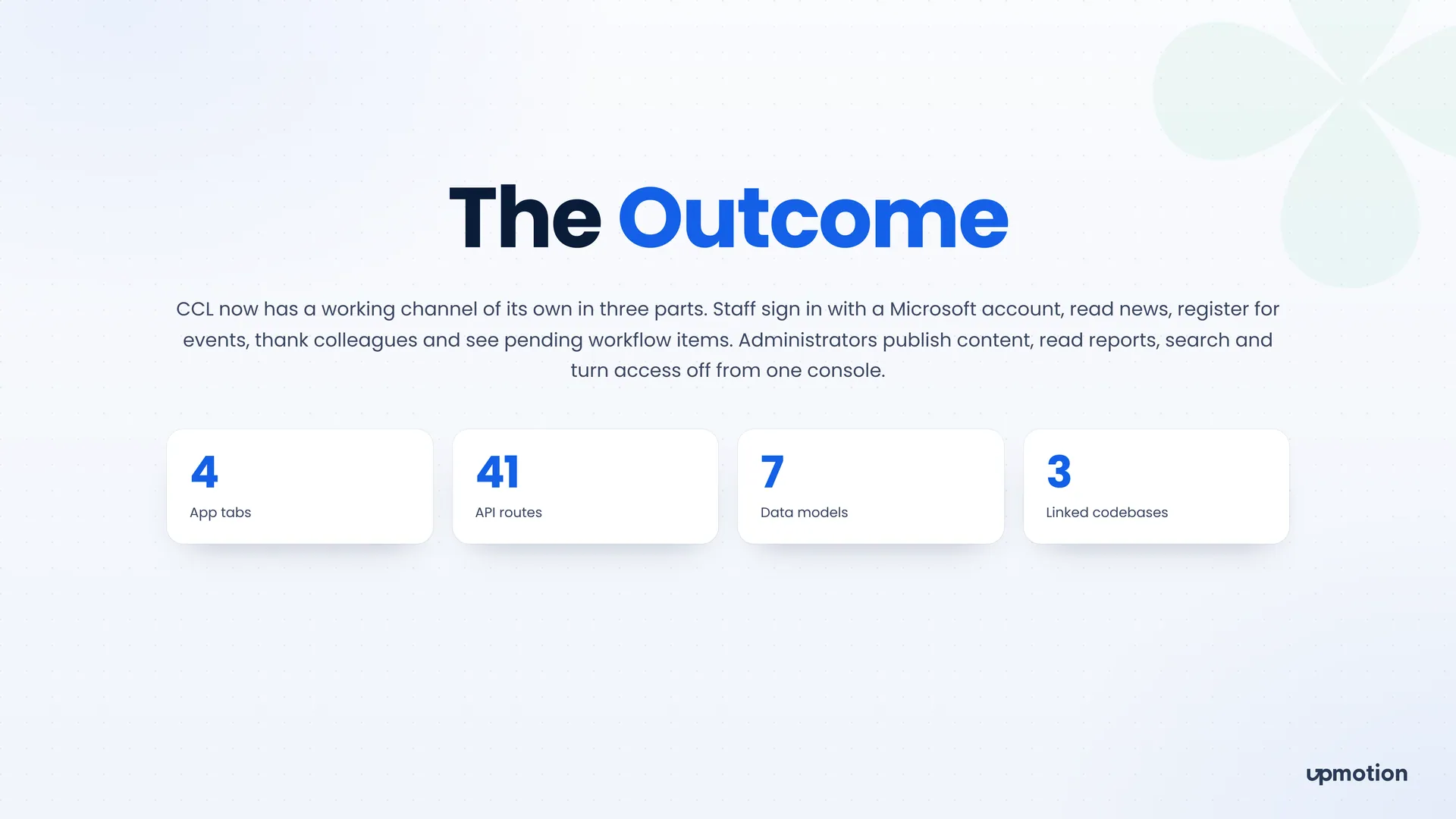
CCL now has a working channel of its own in three parts: the mobile app, the API and the admin console.
AI email assistant
An AI email assistant for Gmail and Outlook that drafts replies in the user's own voice before they open their inbox, and holds sensitive mail until a person decides.
Platforms: Web App, Website
Customer feedback platform
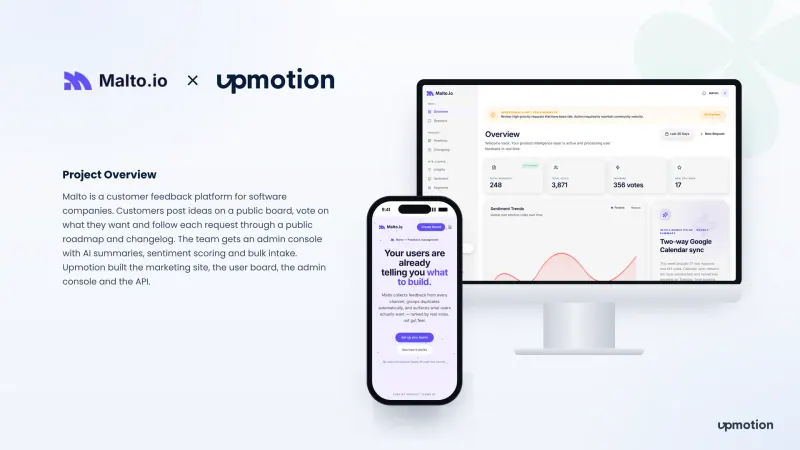
A customer feedback platform for software companies: users post and vote on ideas, follow a public roadmap, and the team gets AI summaries.
Platforms: Web App, Admin Dashboard, Website
Pottery studio operations app
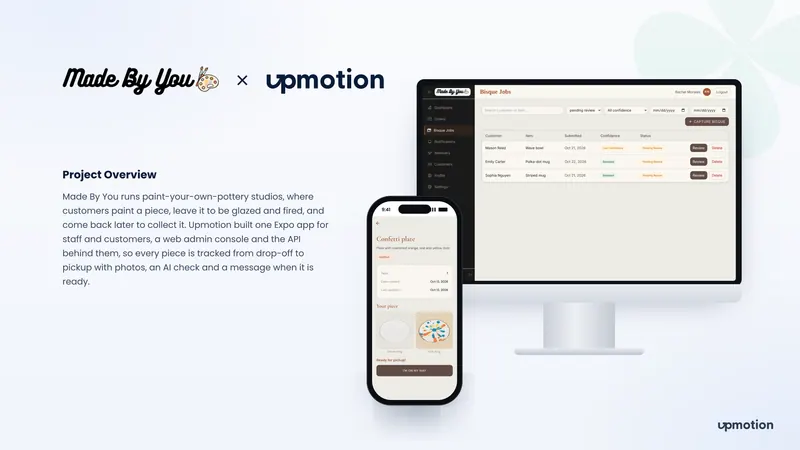
An app and admin console for paint-your-own-pottery studios. Every piece is tracked from drop-off to pickup with before and after photos, an AI match check, a staff approval and a message when it is ready.
Platforms: Mobile App, Admin Dashboard